Yilan's Anthem
Unity Game 1
A first-person Unity game about the mystery of the Yilan Crater.
Chapter 1: Background Story
Project background
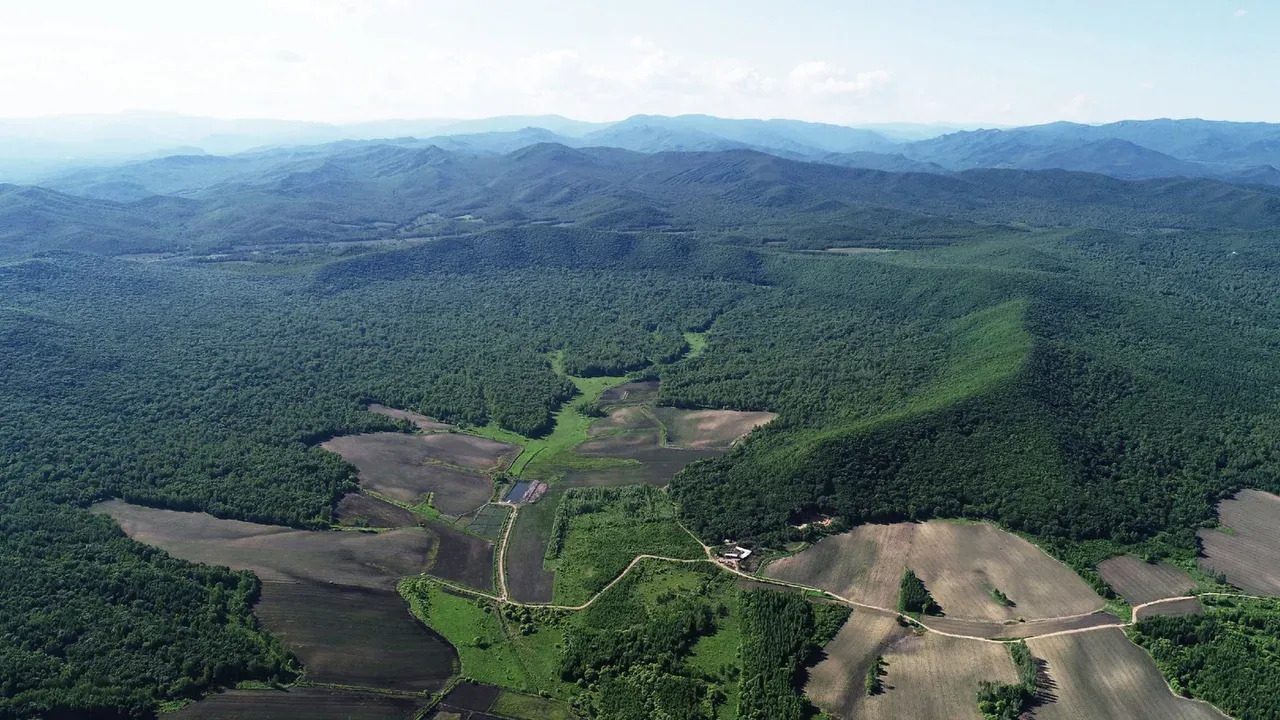
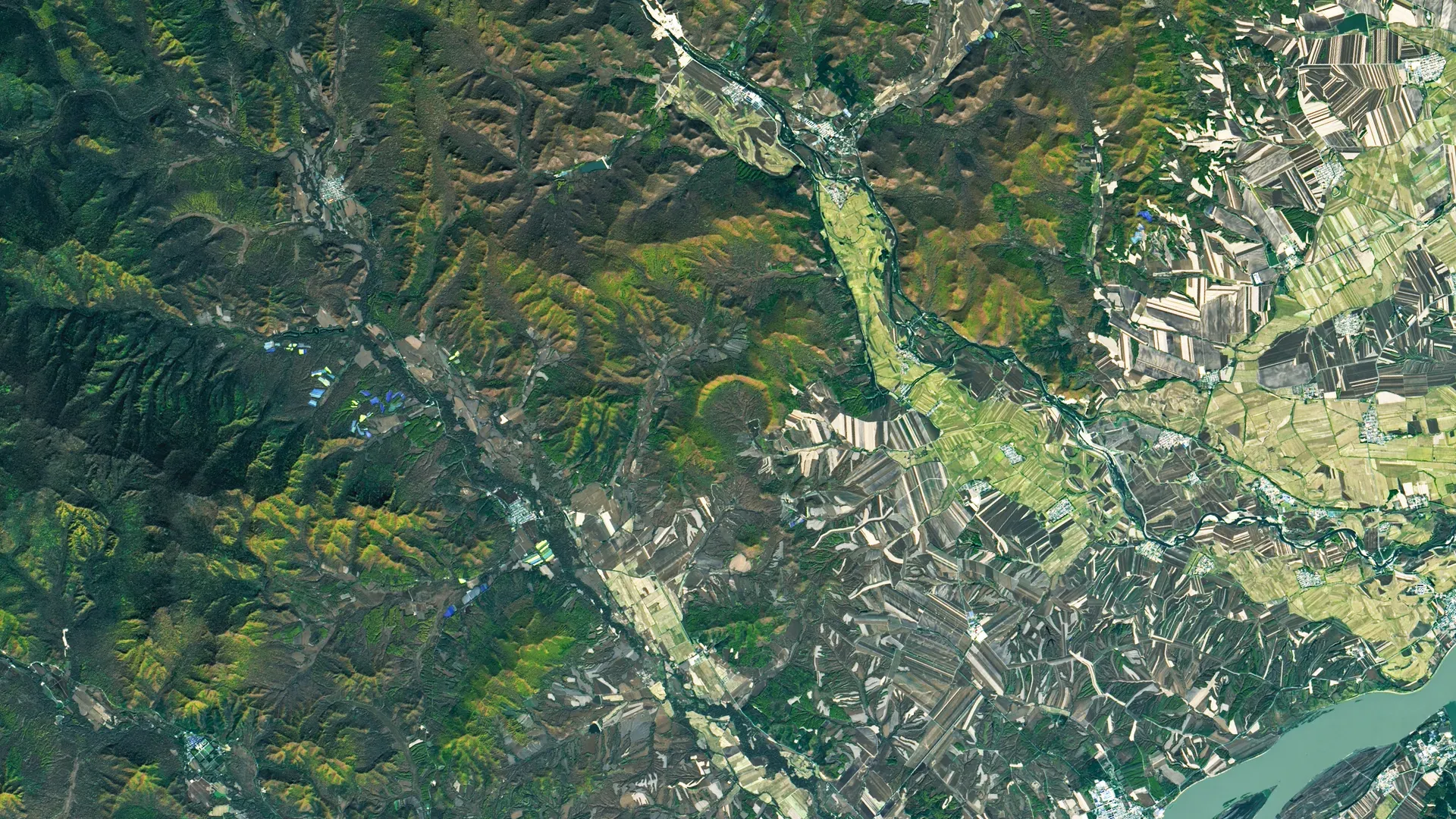
Yilan crater is the second discovered impact crater in China, and was revealed to the public in 2020. What makes it unique is that its southern rim has eroded away while its northern rim remains visible.
However, the crater didn't receive much public attention. To increase its visibility, the local government wants to partner with us for a game promoting the site. Their goal is not only to highlight the crater itself, but also to boost tourism in Yilan town.
Chapter 2: Game Concepts
Game Concepts
The protagonist lived in the Yilan town when she was a child. One day, while wandering near the crater site, some mysterious phantoms led her to the crater's center. There she discovered evidence proving it was an actual impact crater.
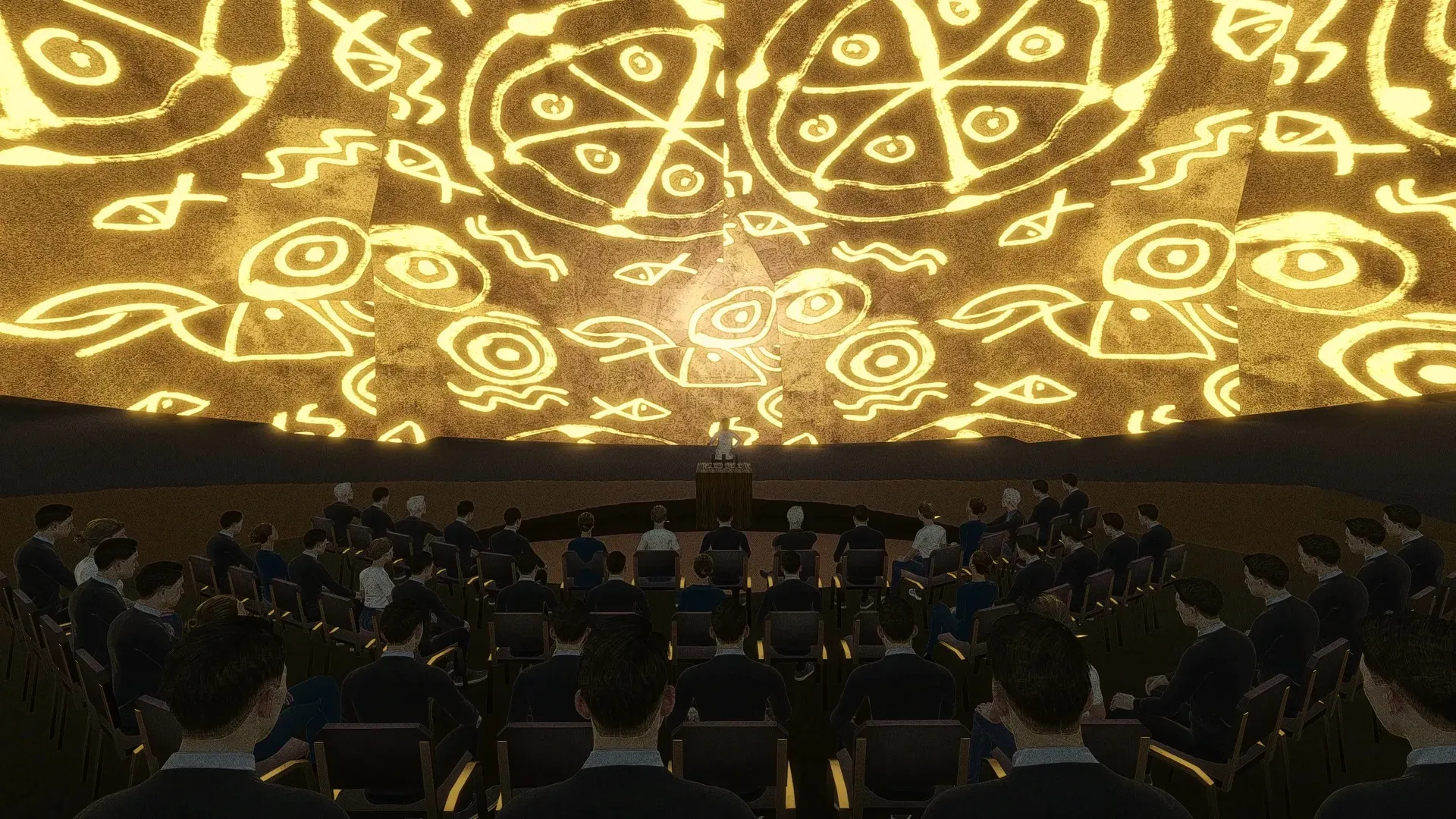
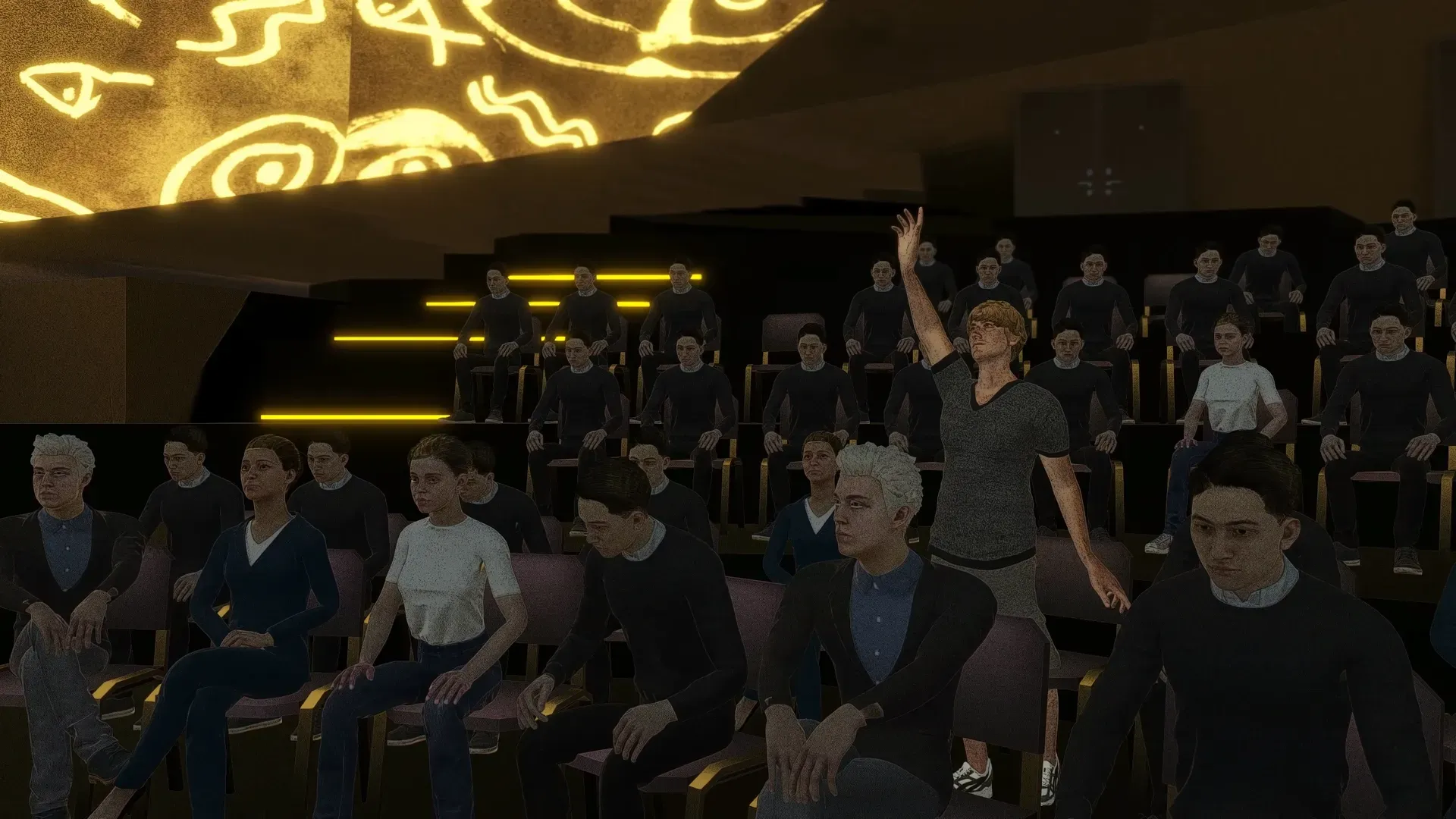
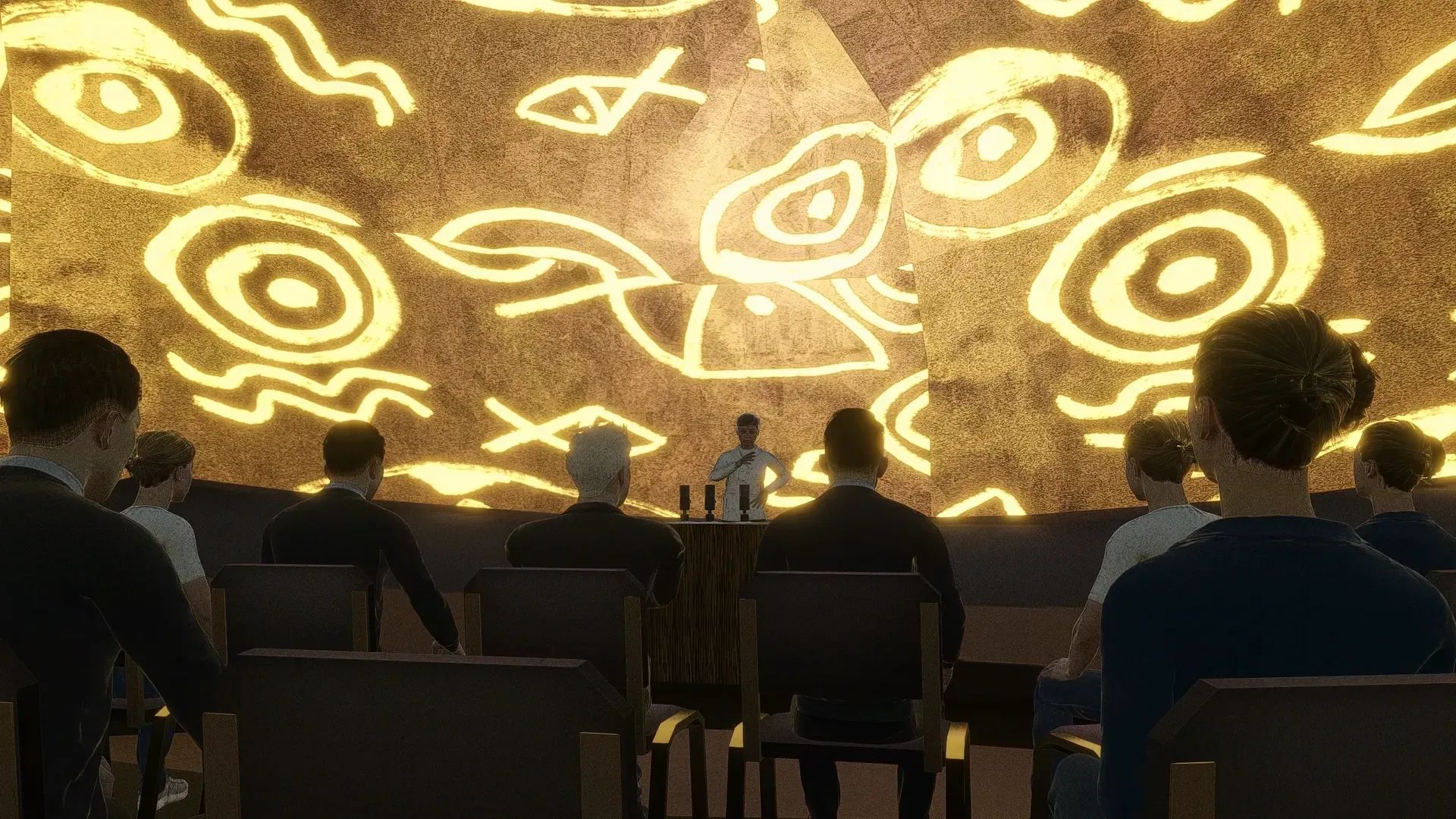
When the protagonist grew up, she became an actual crater researcher and scientifically analyzed the evidence from her childhood discovery. Finally, she held a press conference to announce her findings, where reporters and fellow researchers asked more detailed questions on the crater.
Level Concept
The Research
From the initial essay on Yilan Crater, we get to know about the actual research methods on the crater. After deciding what the protagonist should search for, we divide the game into 3 levels. On each level, she will respectively find:
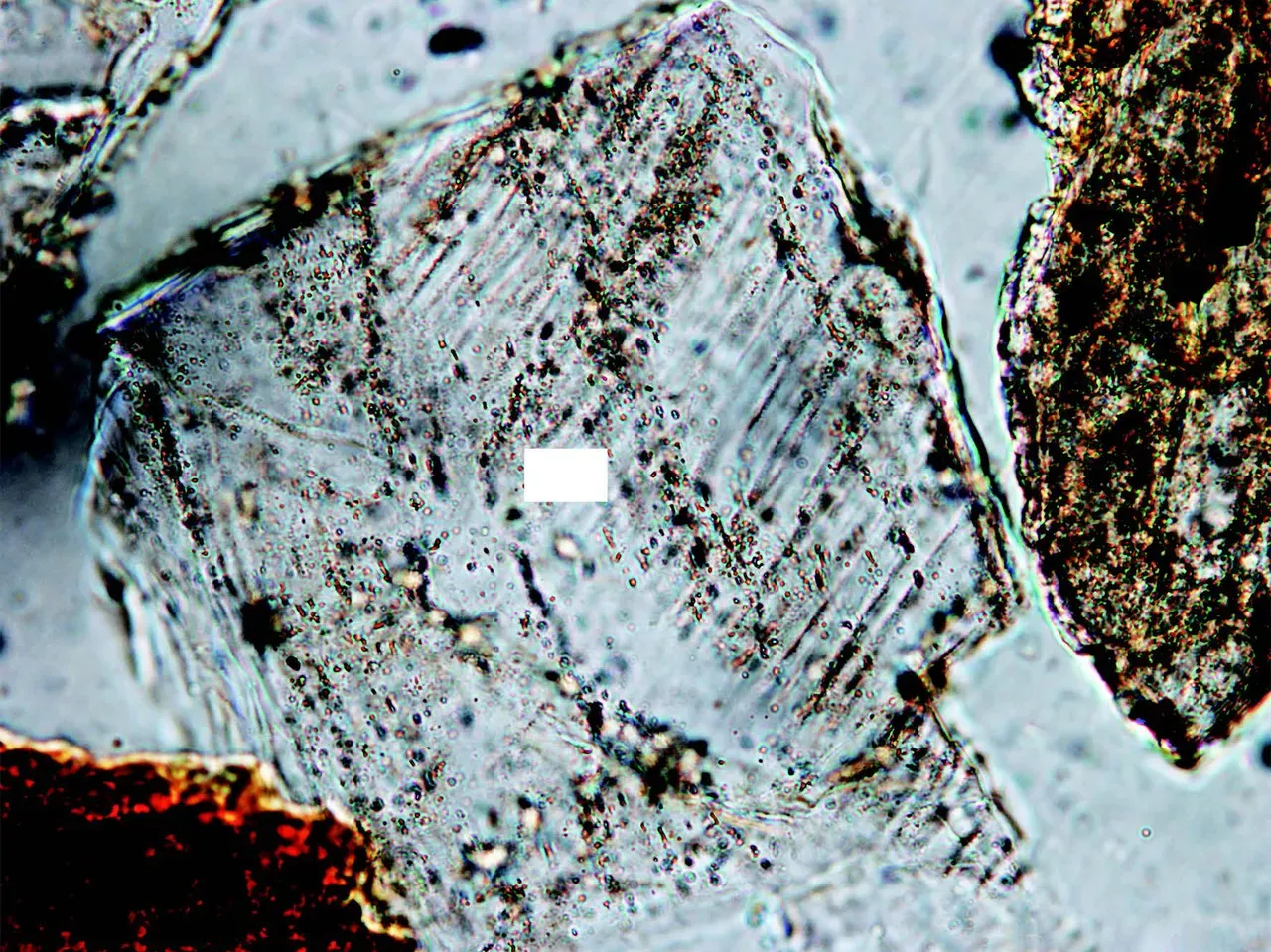
- lake sediments
- mammoth fossil
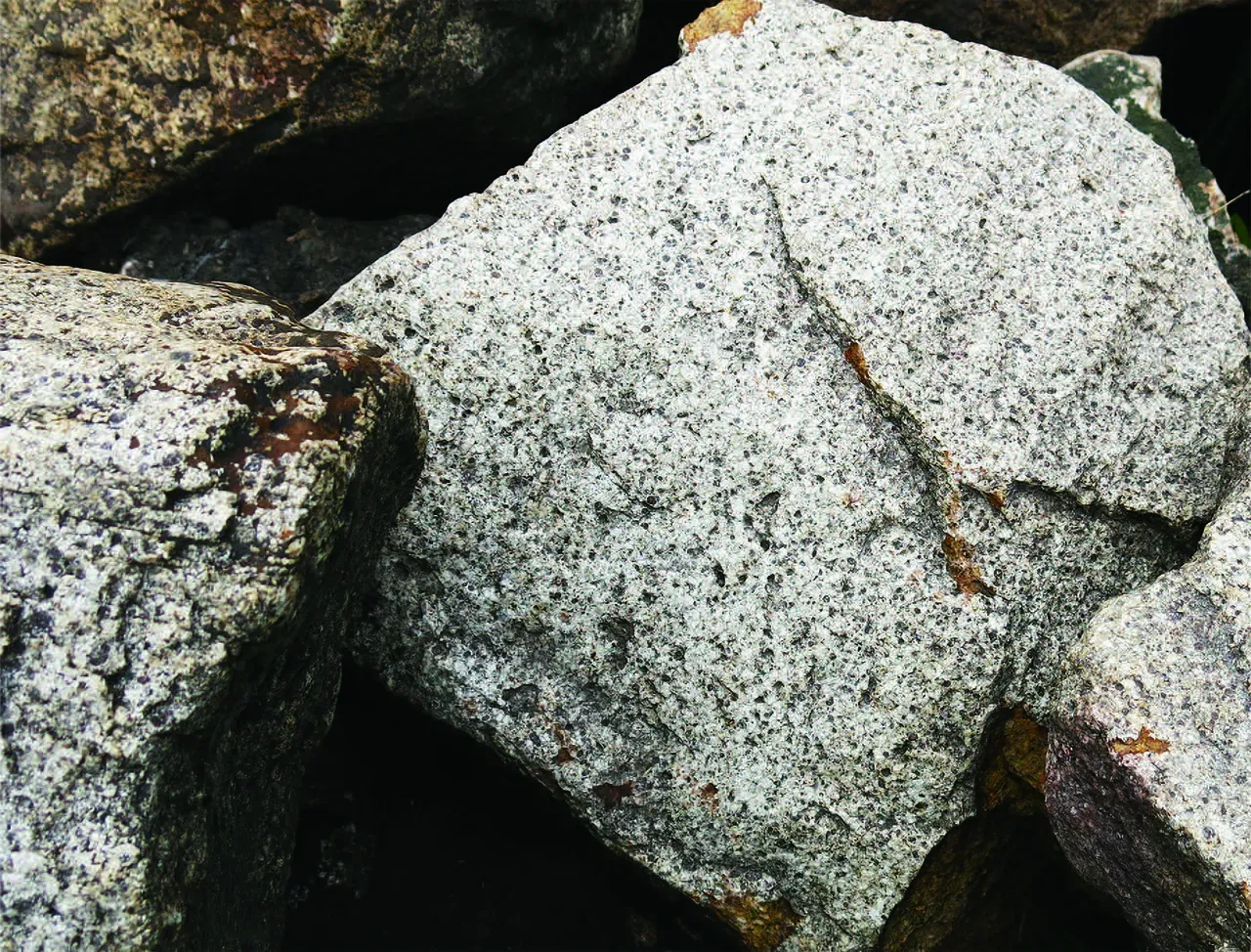
- granite sample
Link the levels
Based on the timings provided by the original essay, we decided that each level present a timing of Yilan crater, and the protagonist should travel back in time to find according evidence.
But how does she travel back in time?
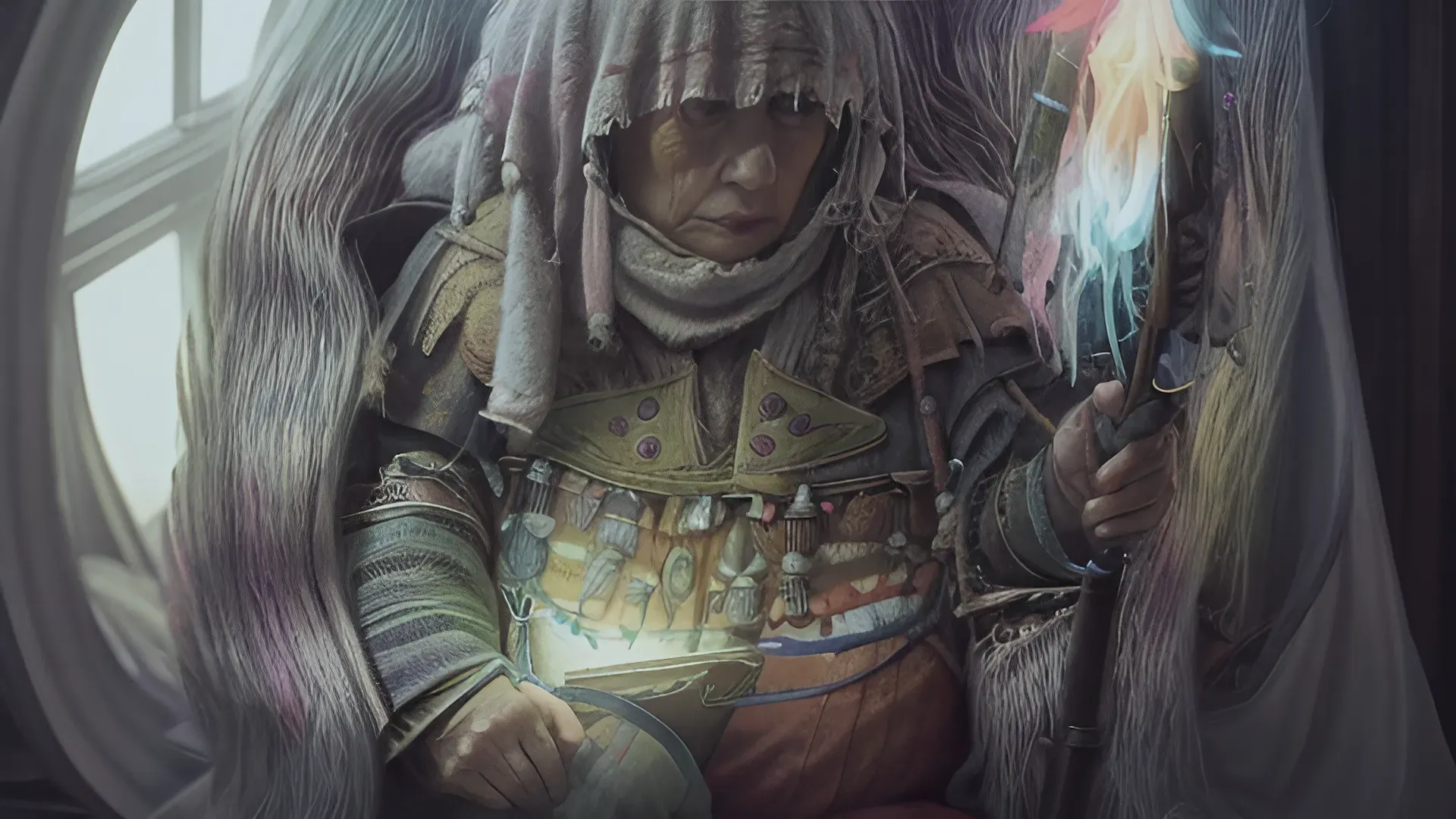
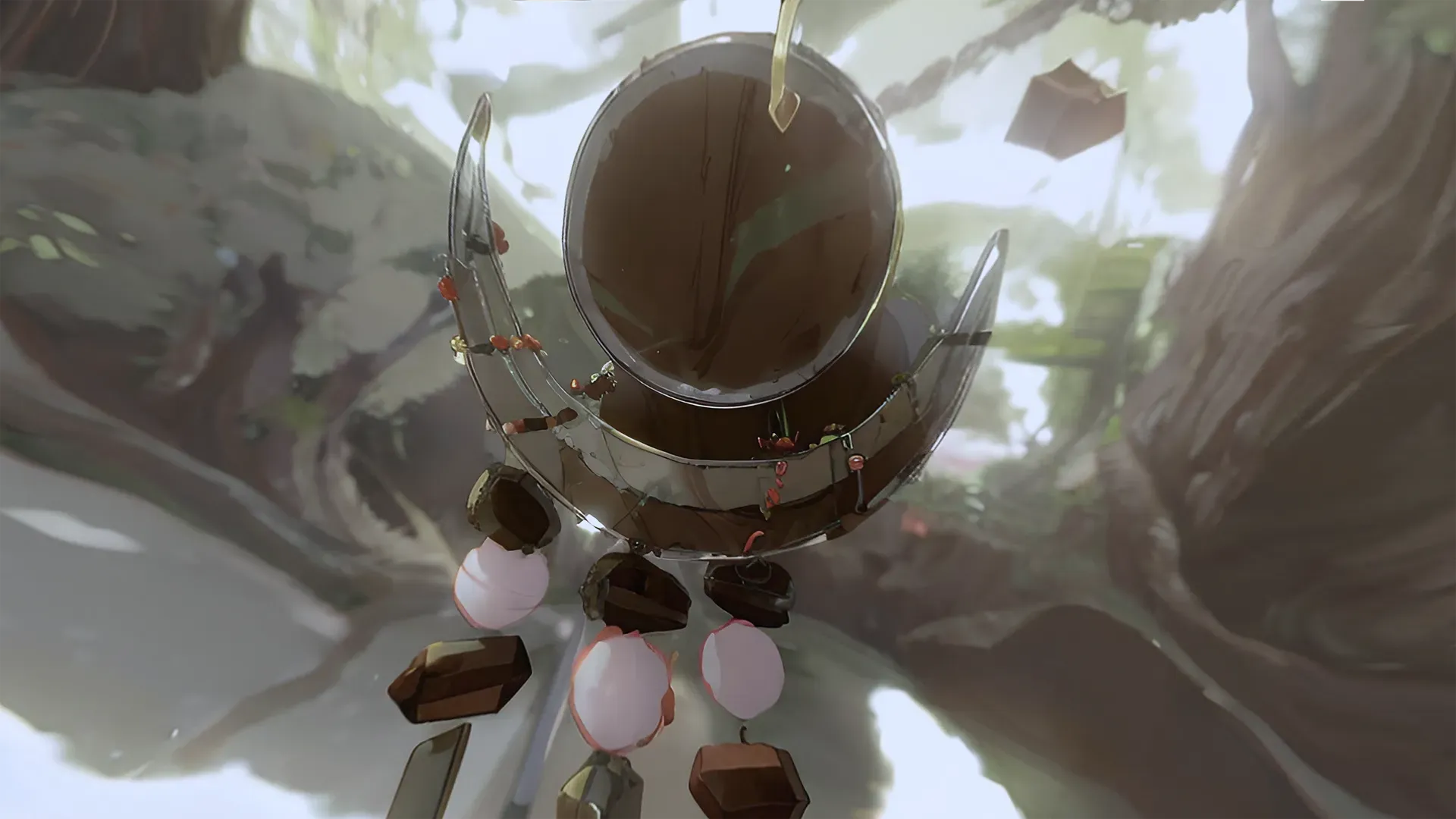
Her grandmother was a shaman who gifted her a special relic. When she entered the crater, it was the relic that exposed her to magical phantoms and visions from the past. Through these, she witnessed the meteorite's ancient impact on the land thousands of years ago.
Chapter 3: Level Design
10,000 years ago
Target: lake sediments
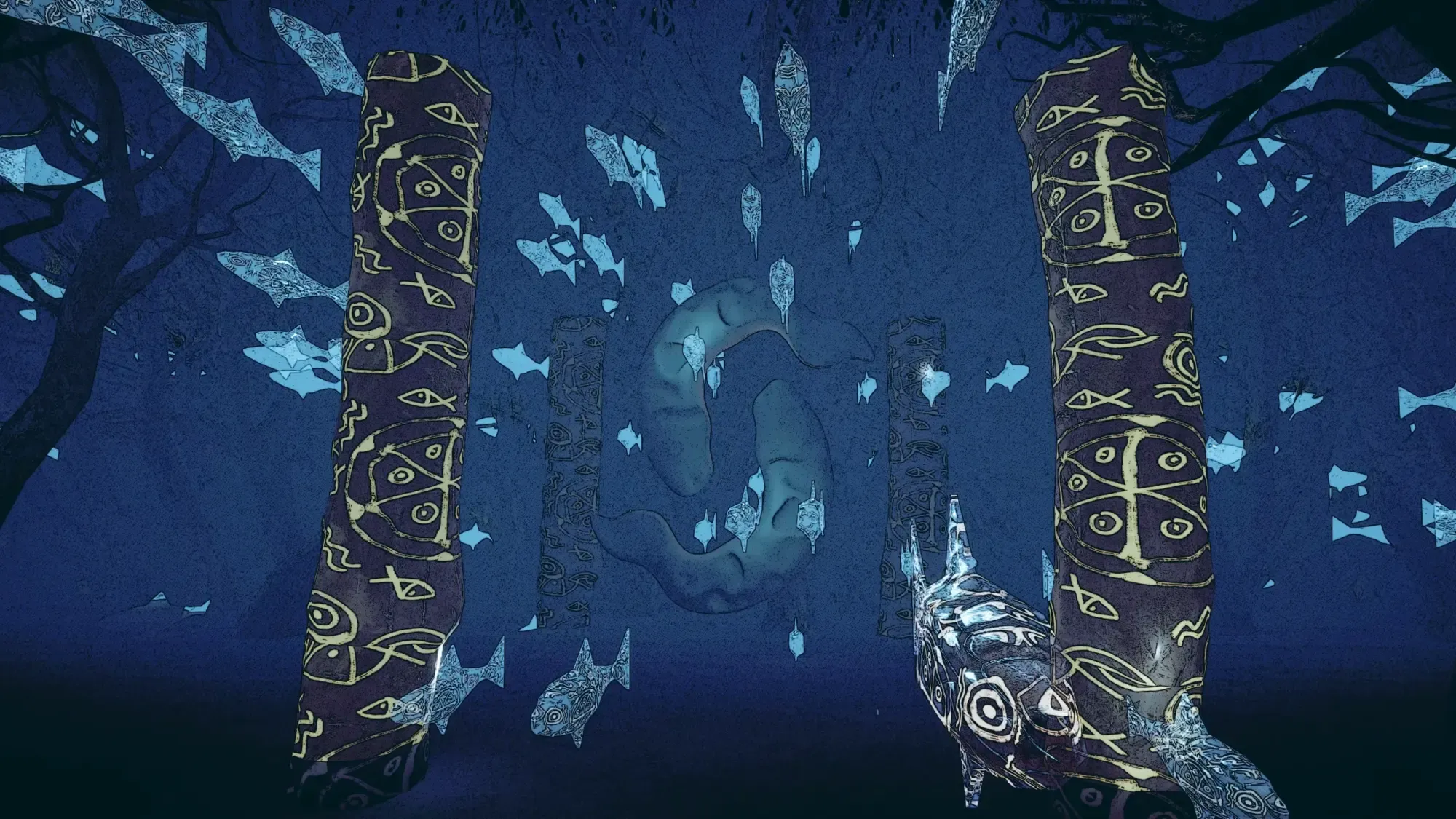
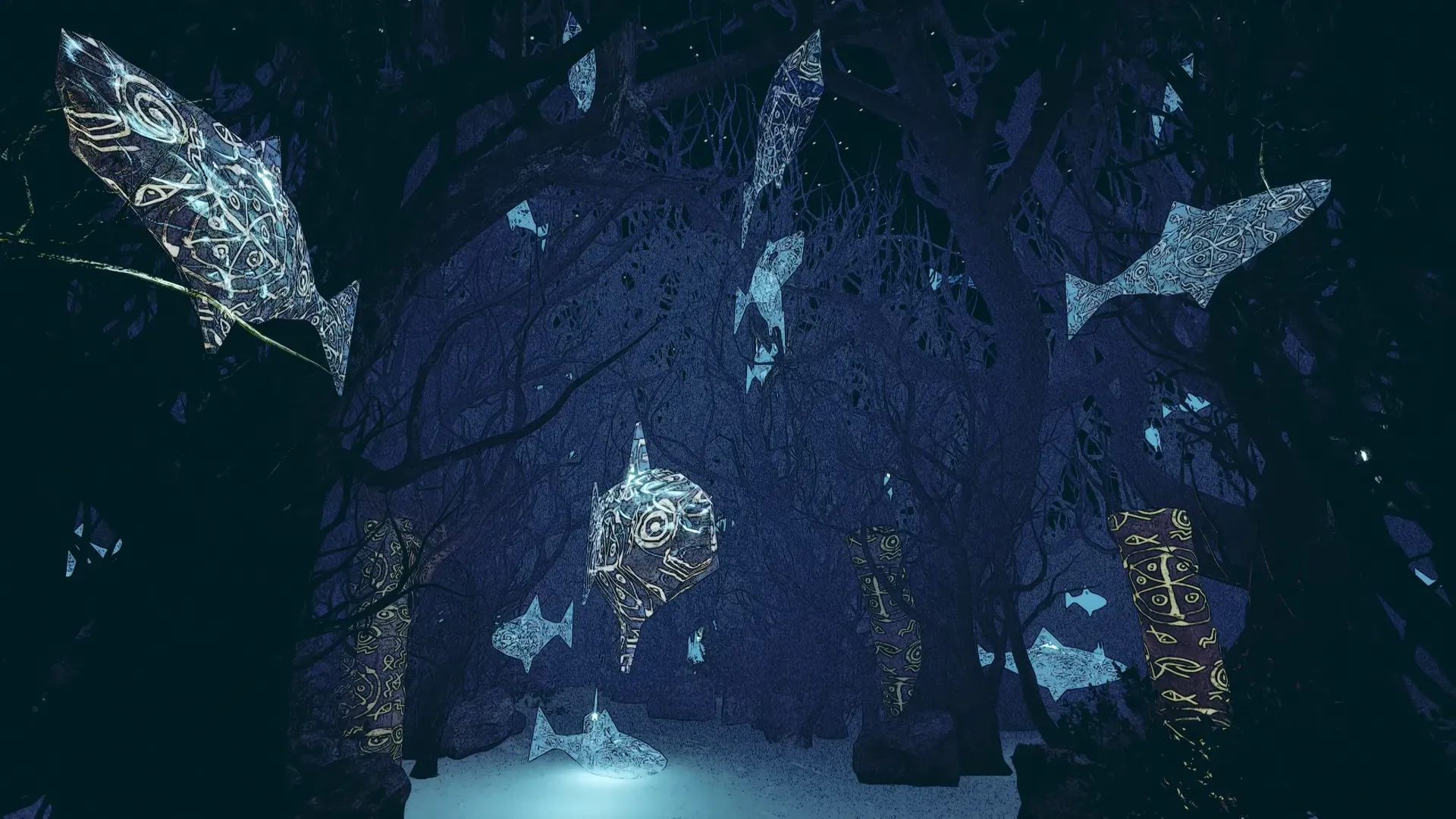
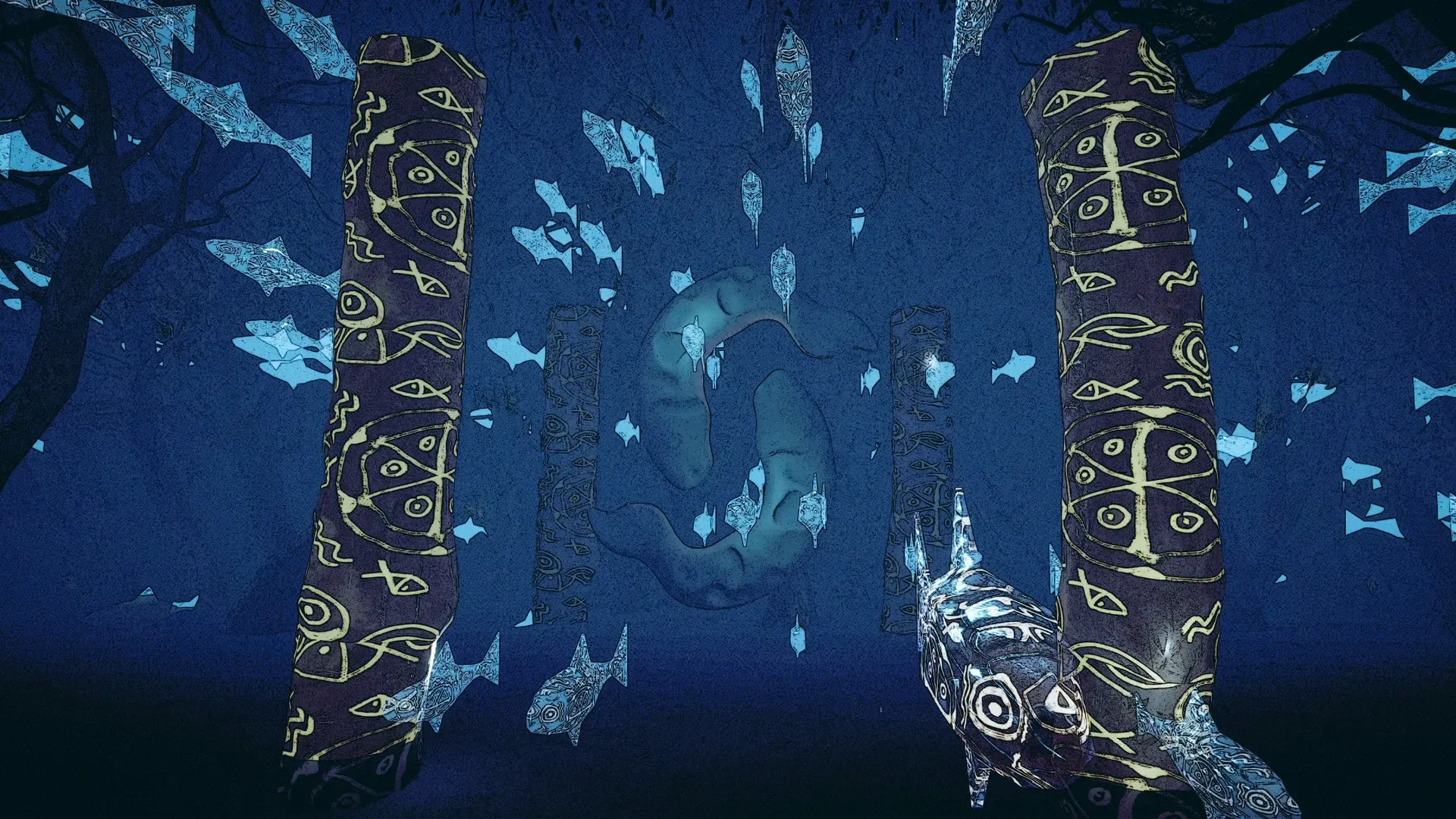
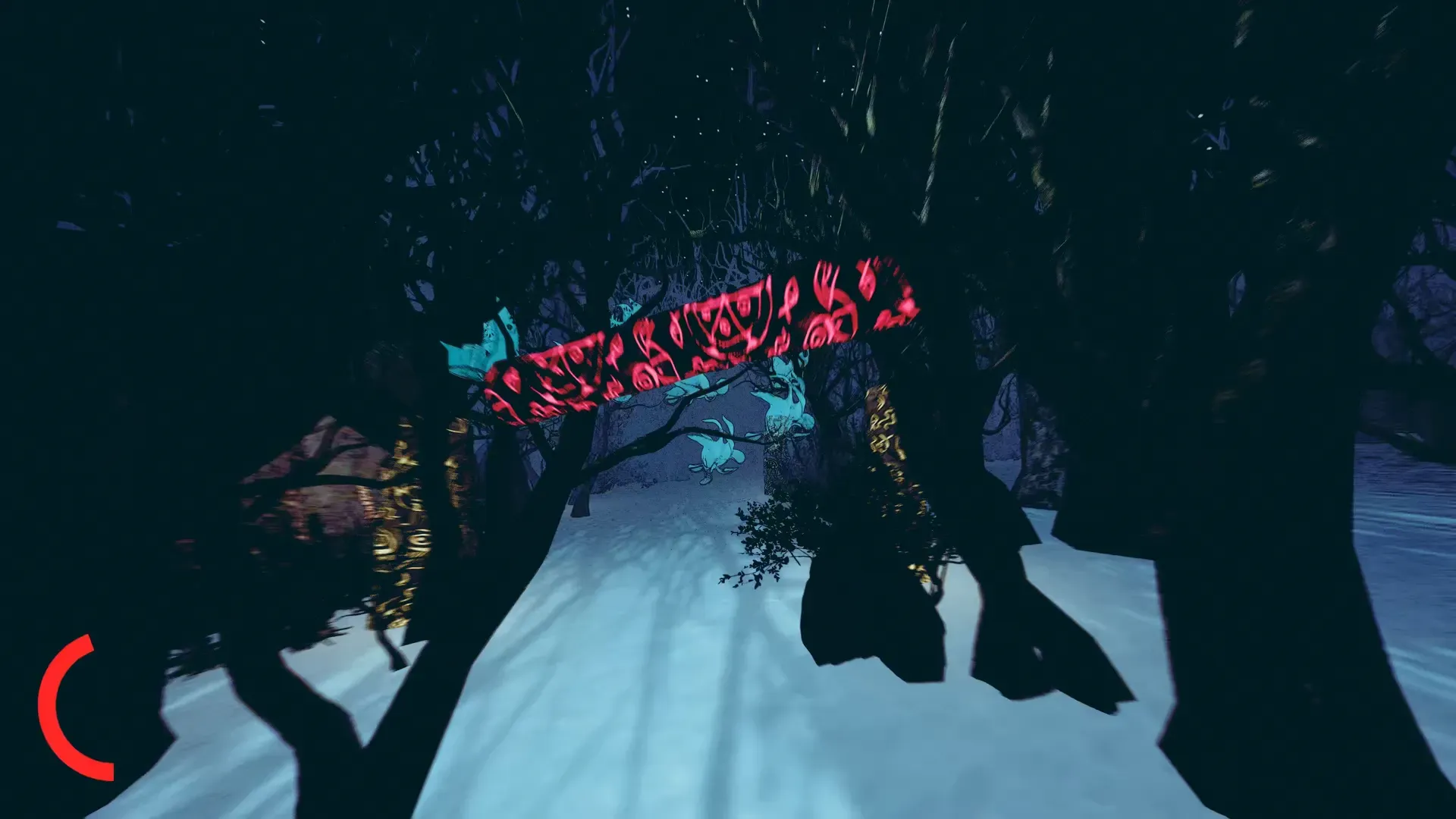
The first level is the one and only night scene of the game. Due to the dense fog and the faint moonlight, it's hard to make out things well. To address this issue, I placed glowing timber trunks with shamanic patterns along the path. I believe this greatly adds to visibility while maintaining the desirable overall atmosphere.
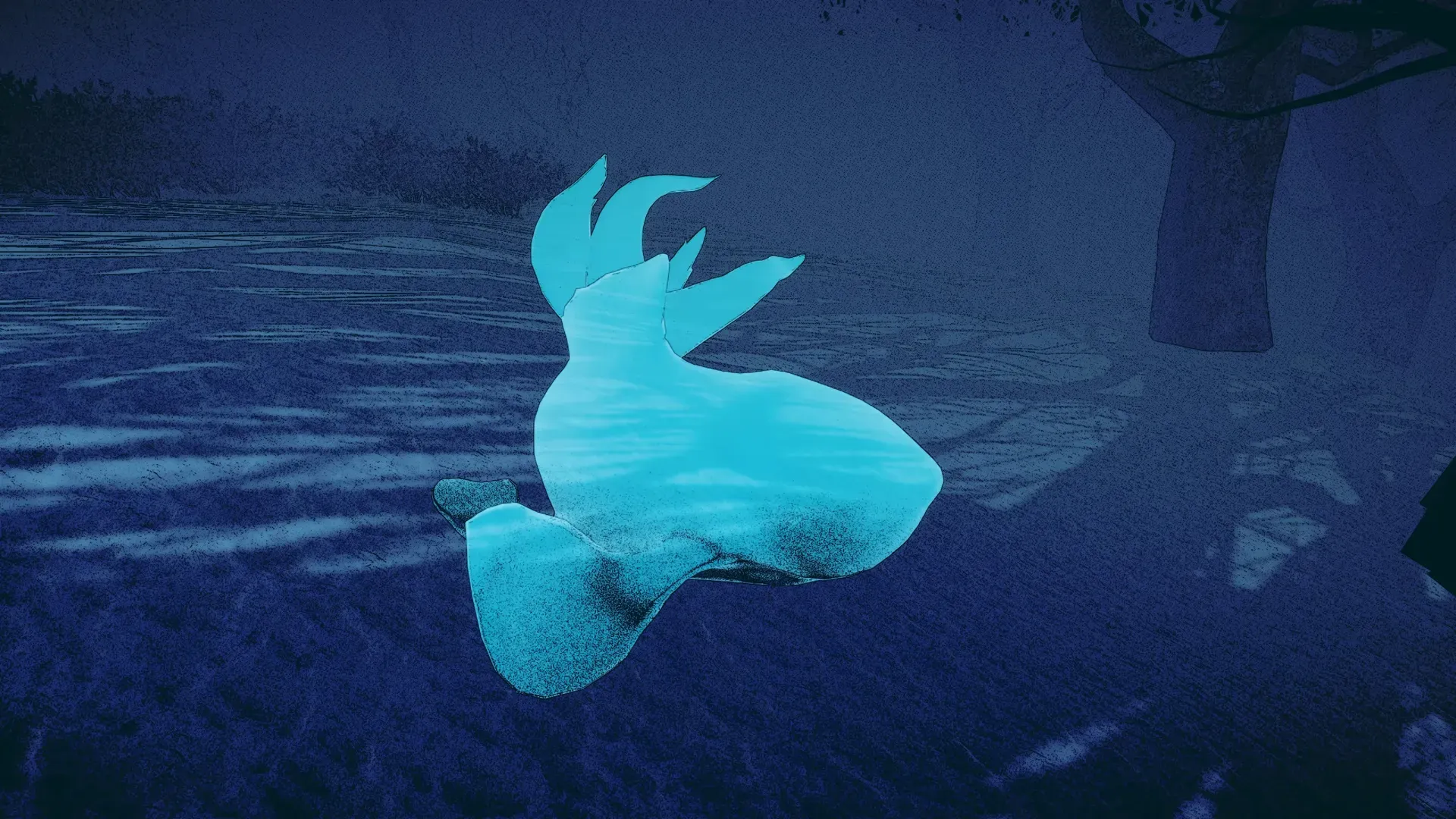
At the end of the level, there's a mystic lake with multiple shamanic artifacts. Upon player's arrival, thousands of fish phantoms burst out and fly away. This is achieved by Unity VFX Graph.
Gameplay
Level One
As the fish phantoms advance, the protagonist will automatically follow them along the path. However, since the path twists, the player must skillfully navigate turns as the protagonist approaches them. Moreover, the player must crouch or jump in time to avoid hitting into the obstacles that's blocking the way.
The dense fog of this level makes the gameplay even harder, requiring players to react quickly since they only see obstacles when they're close. They have about two seconds to press the right key, either 'Ctrl for gliding' or 'Q for left turning.'
20,000 years ago
Target: mammoth fossil
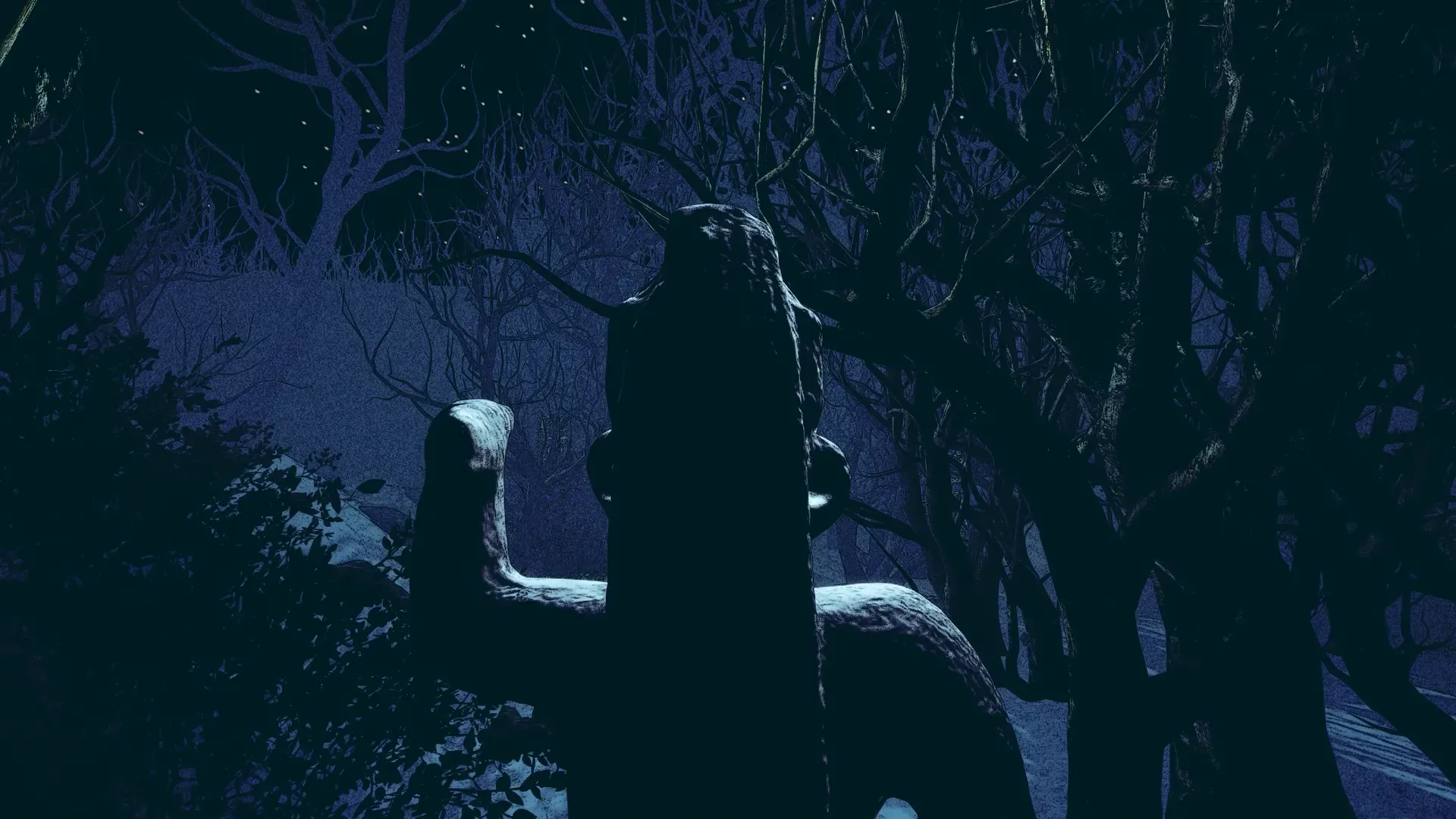
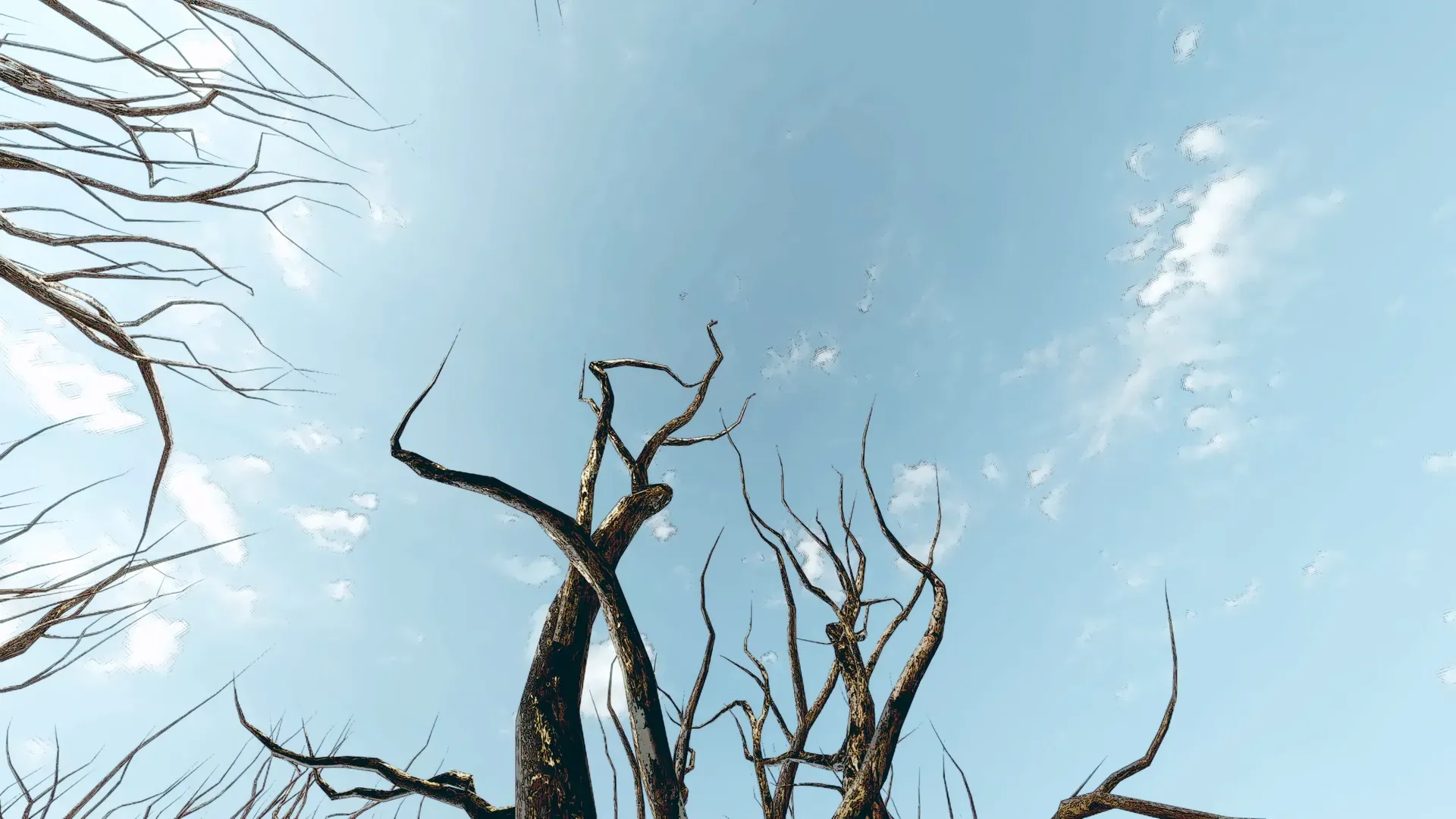
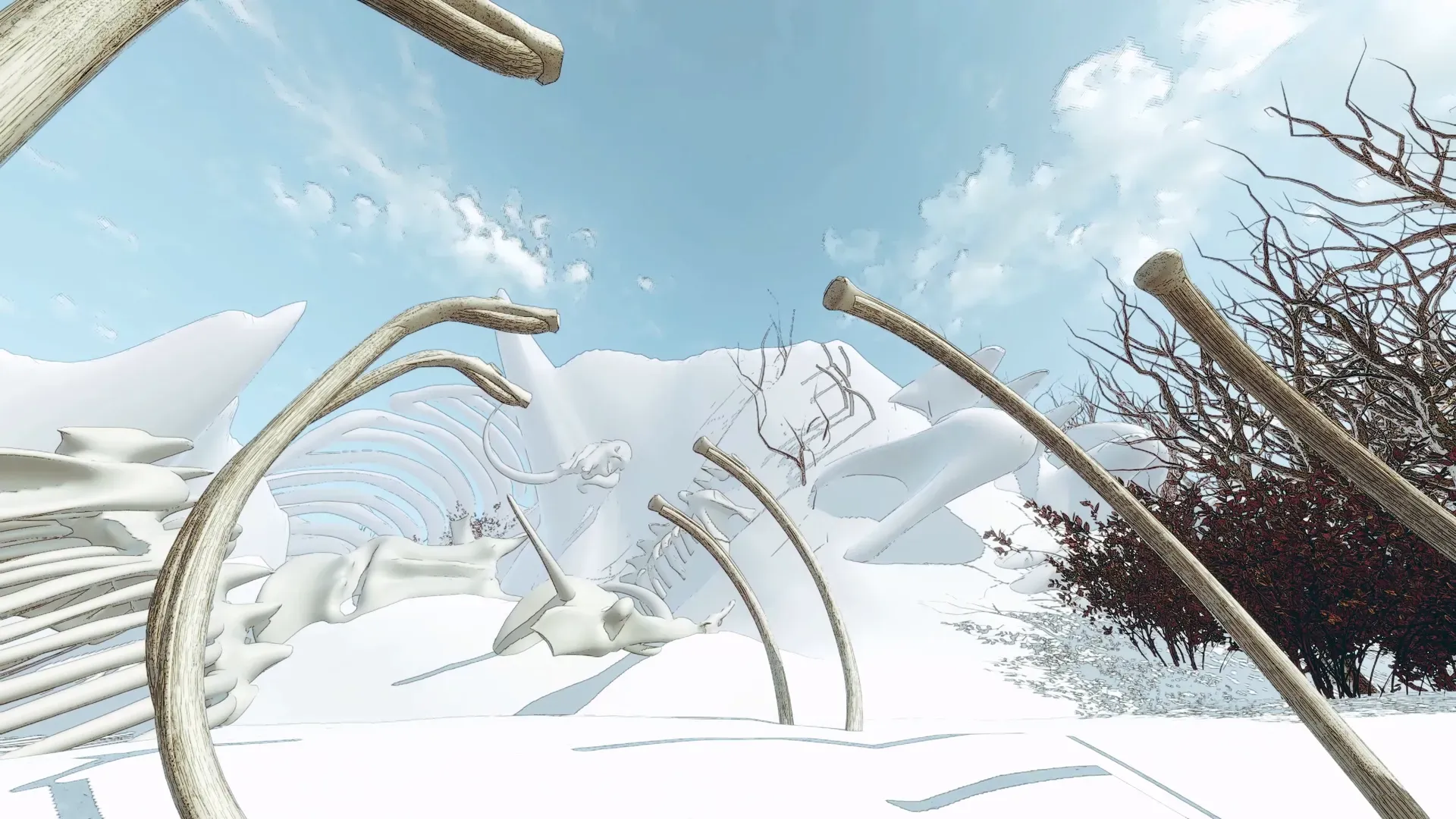
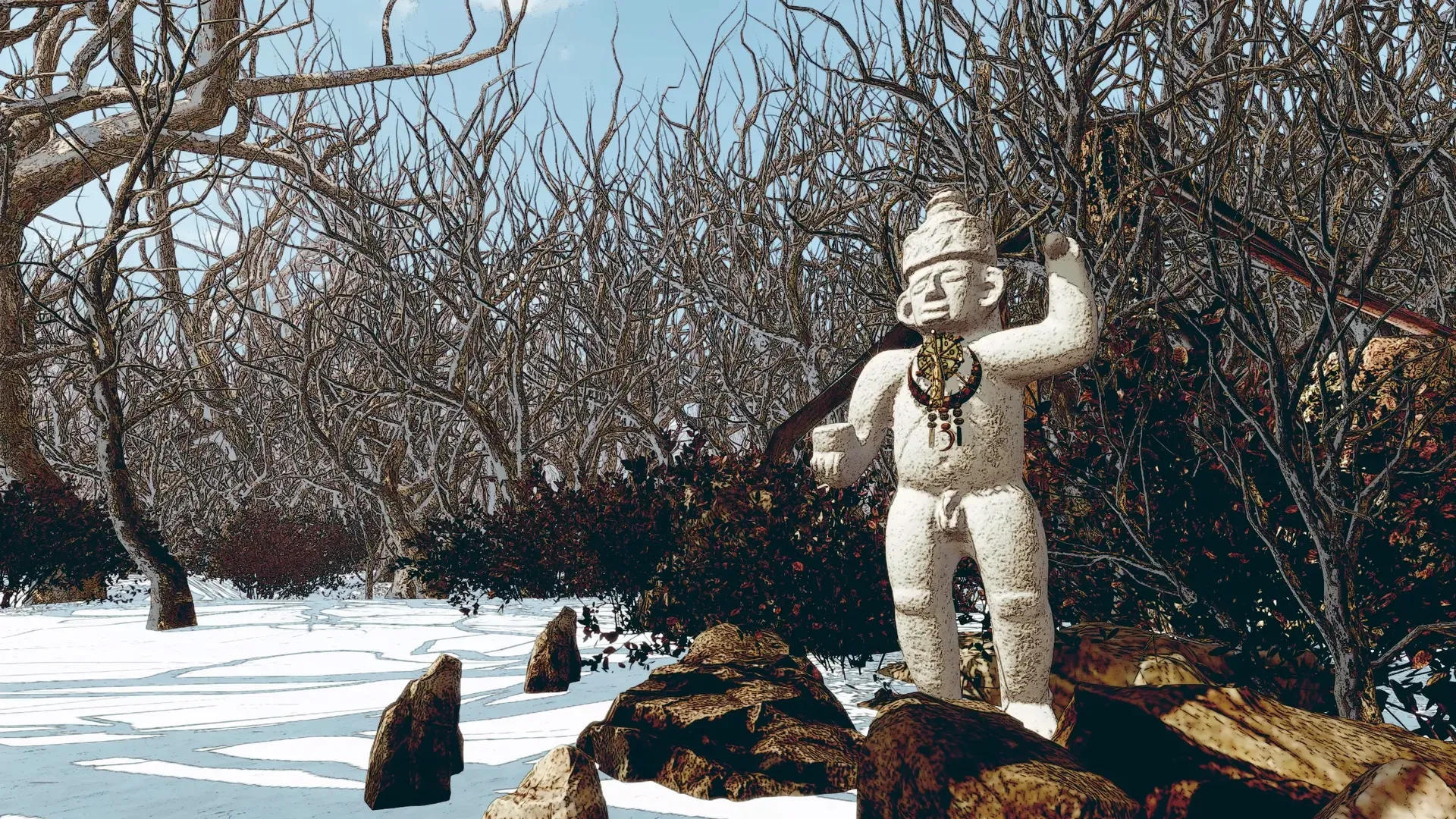
The second level takes place during winter daytime, featuring a much brighter atmosphere. Given Yilan Crater's location in northeastern China, we decided to cover the whole crater with snow.
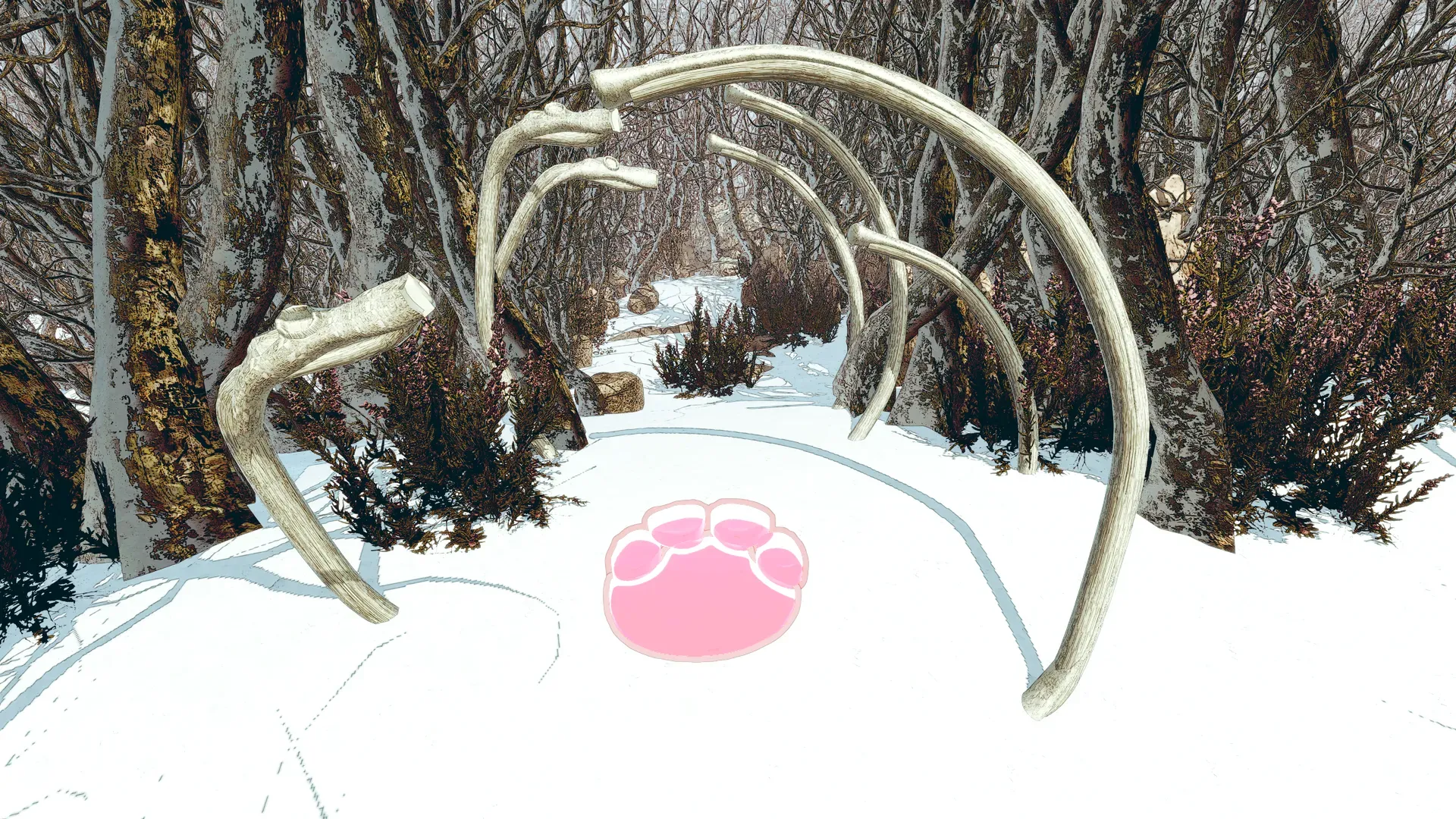
We referred to the idea of maze while designing the forest path. After the player navigates through the twisted path, there is a spacious open area with snow-covered mountains. It can be seen that mammoth skeletal remains stand on the snowy ground of the mountains.
Gameplay
Level Two
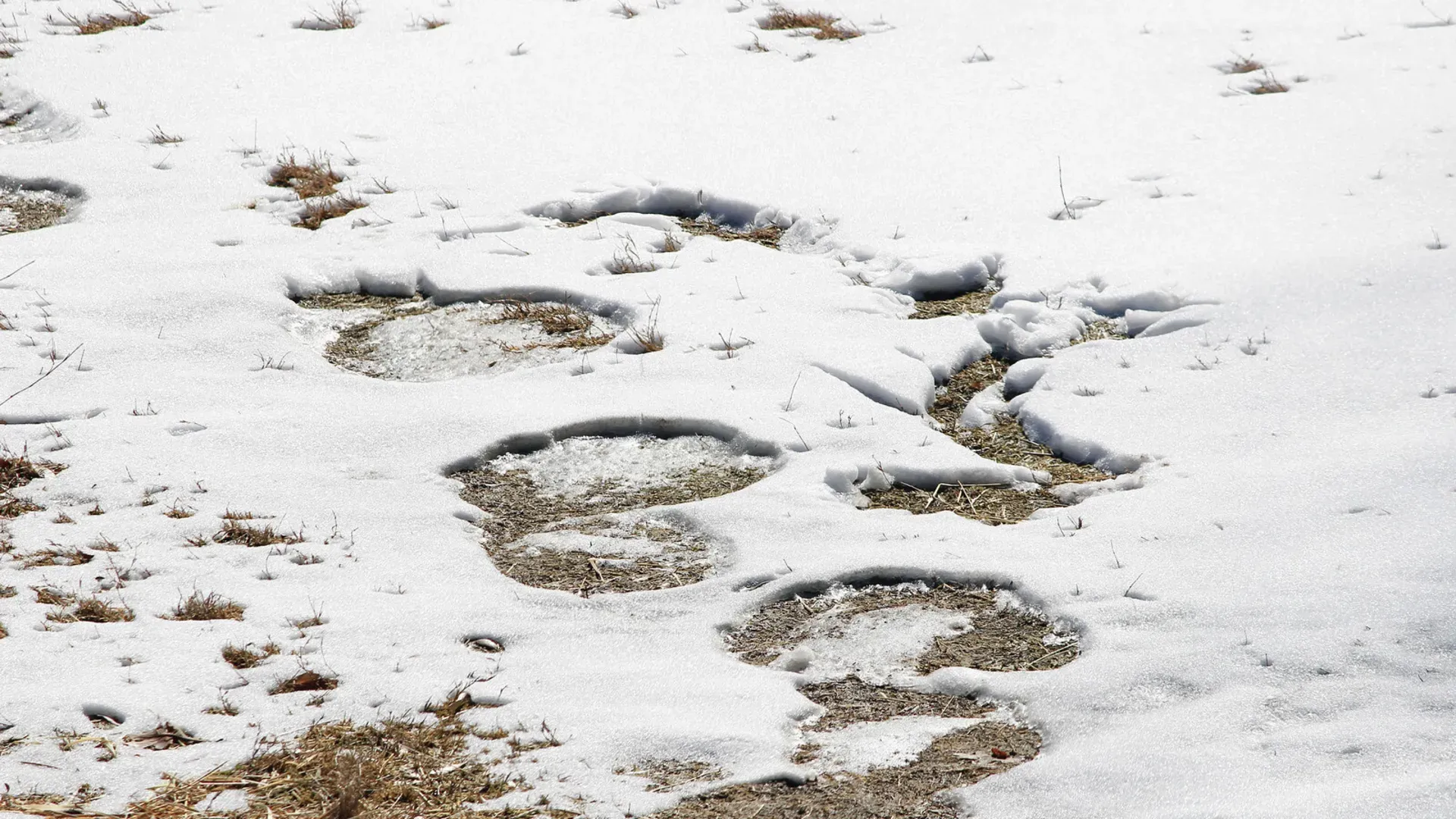
In this level, player needs to follow mammoth footprints within a time limit. With reference to real-life elephant footprints in the snow, we made the mammoth's footprints more noticeable in this game, to help players locate them easily.
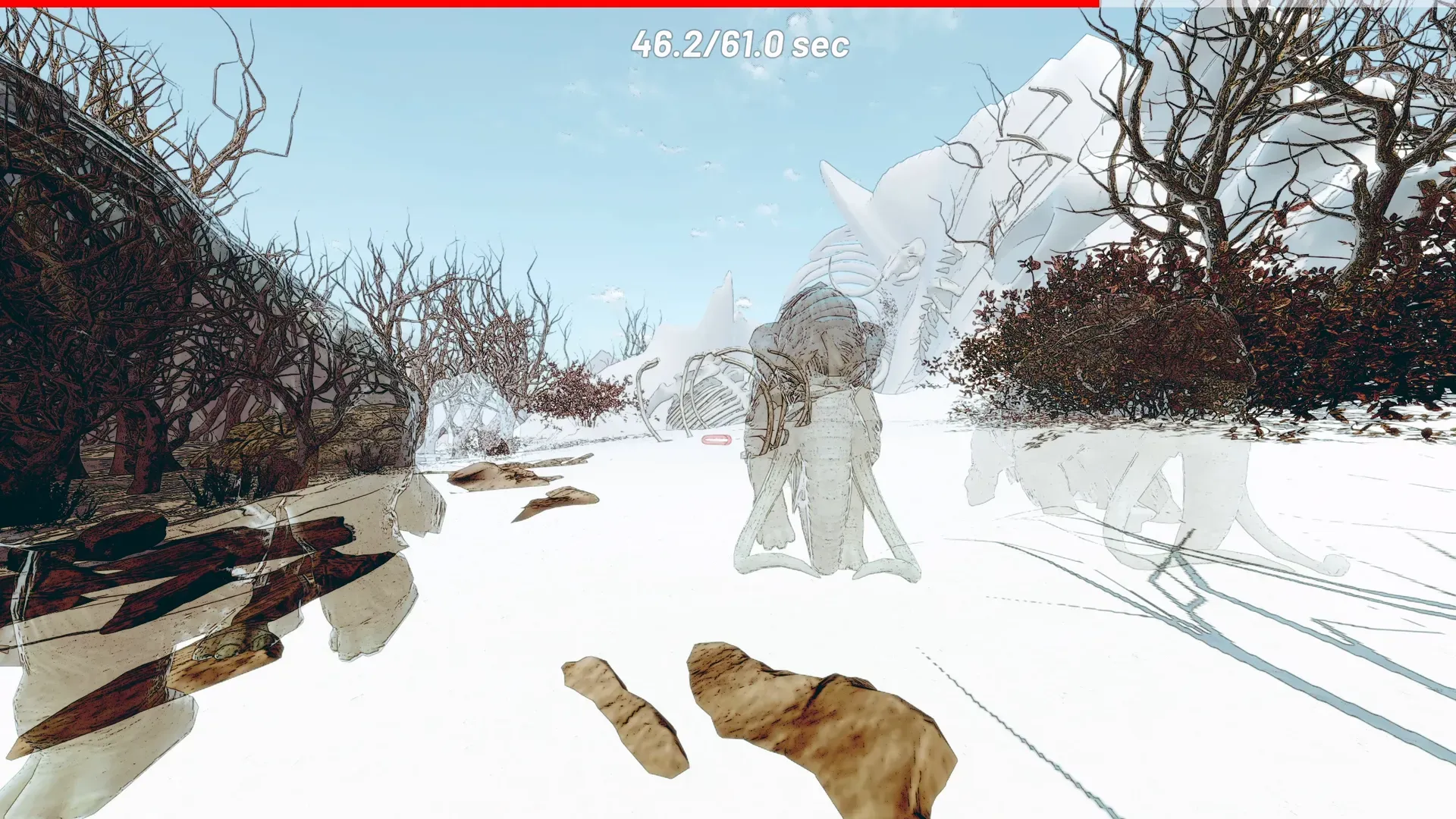
Player has 15 second to reach the first footprint, and upon reaching each subsequent footprint, additional seconds are granted. The ultimate objective is to reach the end before time runs out.
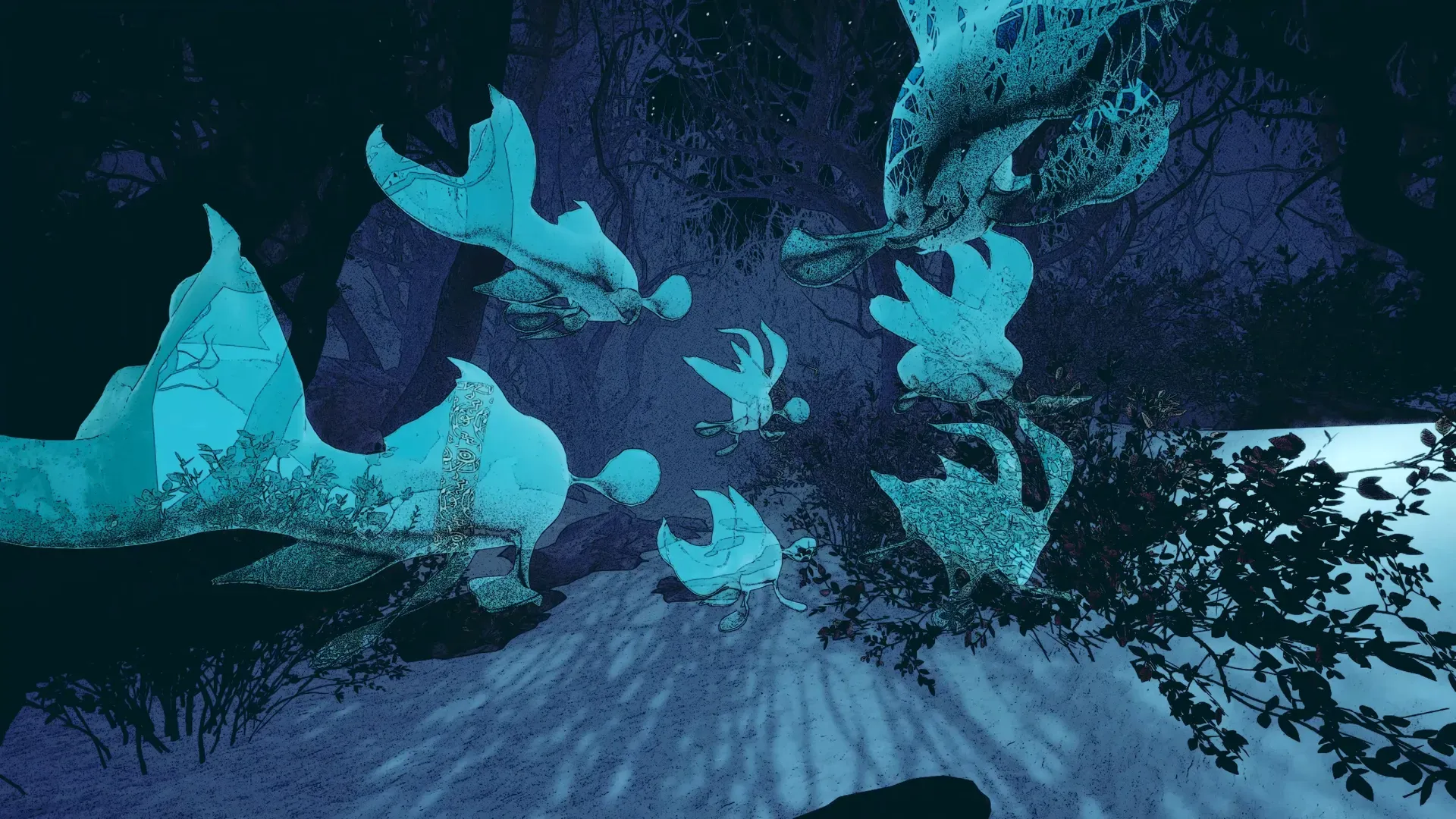
When the player reaches the end, mammoth phantoms suddenly arise and all rush towards the player. The player must dodge them while going forward.
50,000 years ago
Target: granite samples
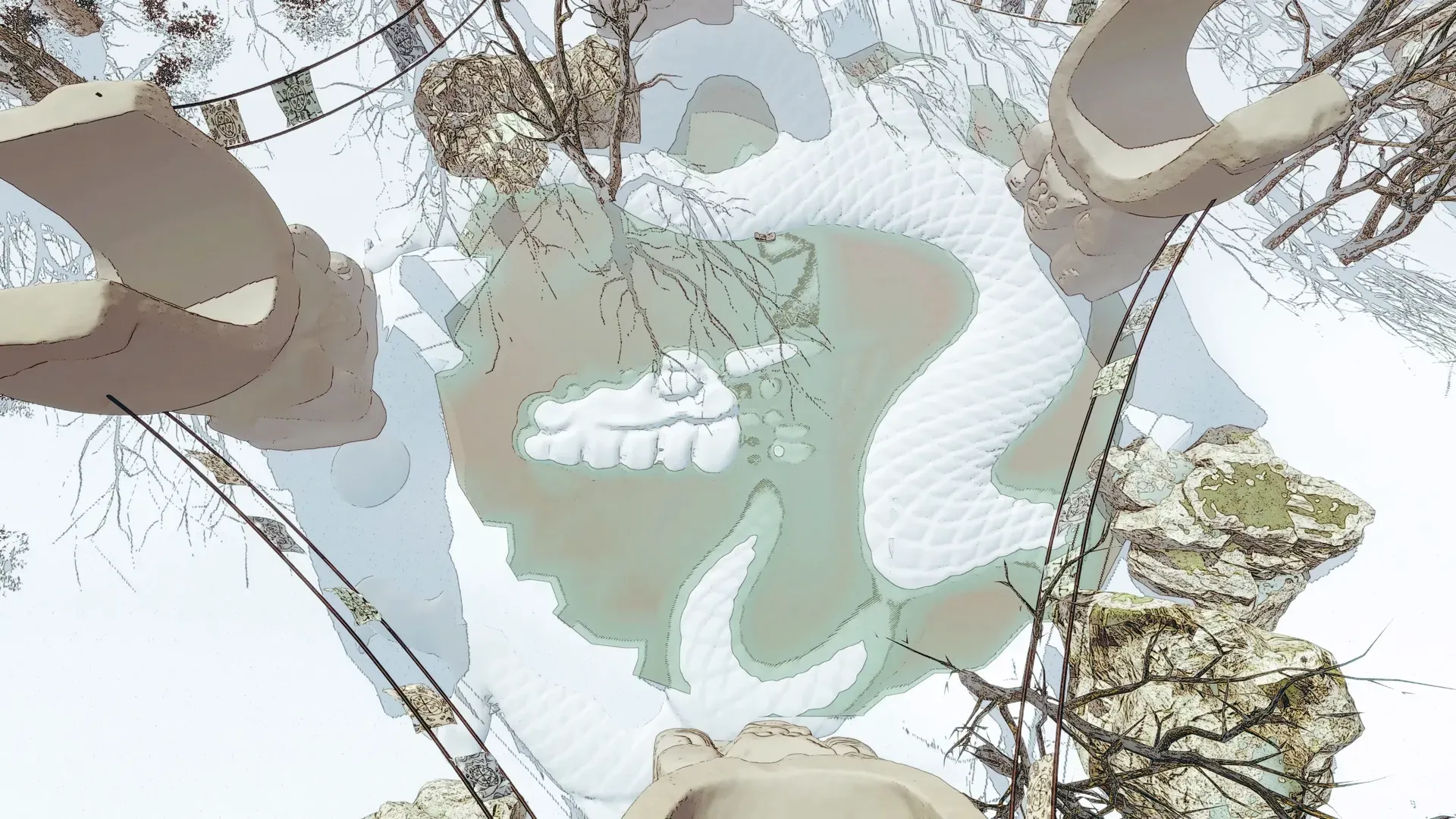
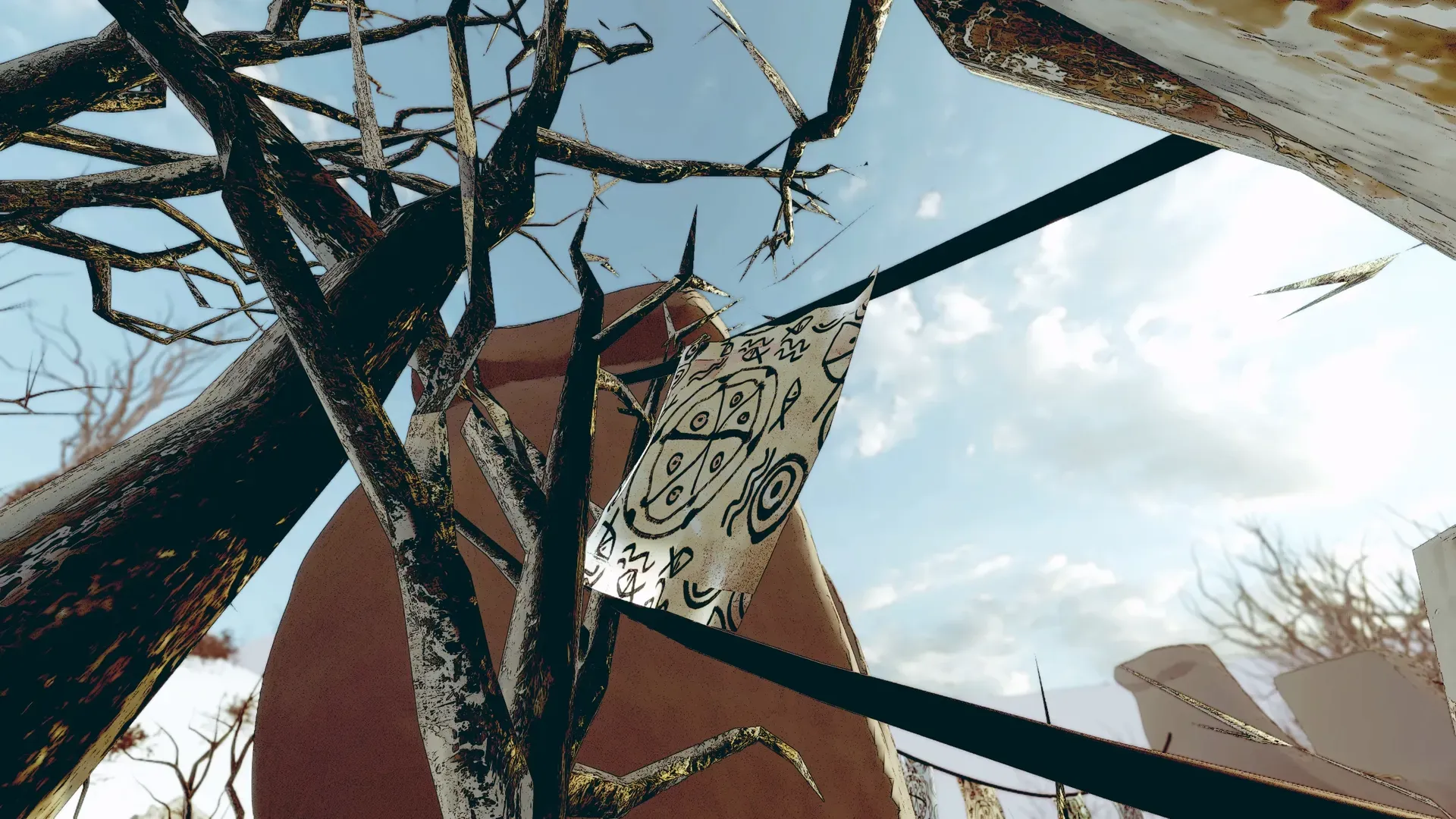
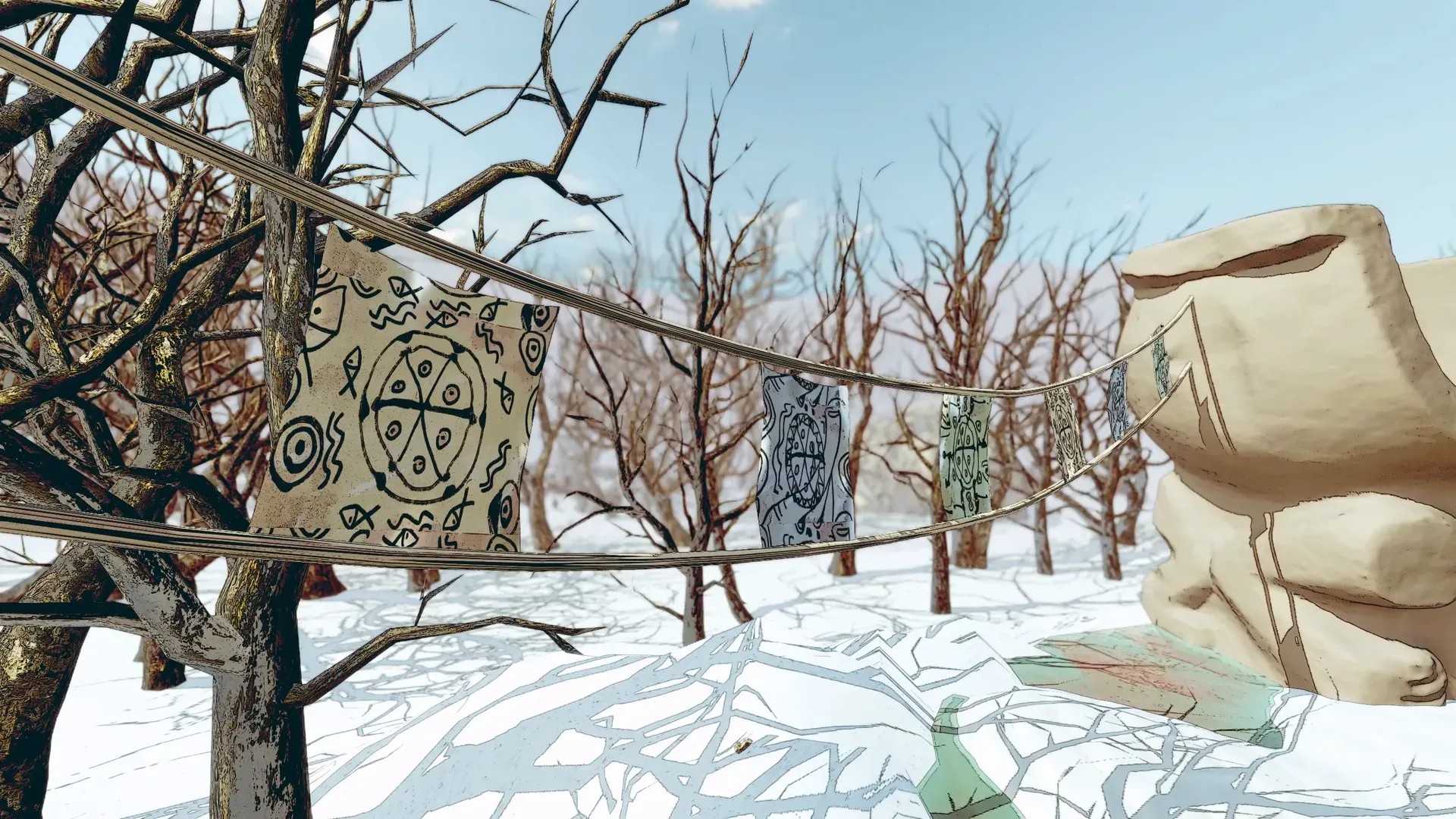
Level three shares a similar color tone and atmosphere with level two. The gameplay happens in the centre of a giant altar, with stone statues and shamanic flags surrounding it. Additionally, there's a dragon-like pattern on the snow ground.
The primitive people grouped together at this altar, celebrating the arrival of the meteorite. They were unaware of the scientific explanation or its potential impact on Earth. Instead, they believed this was an act of god.
Gameplay
Level Three
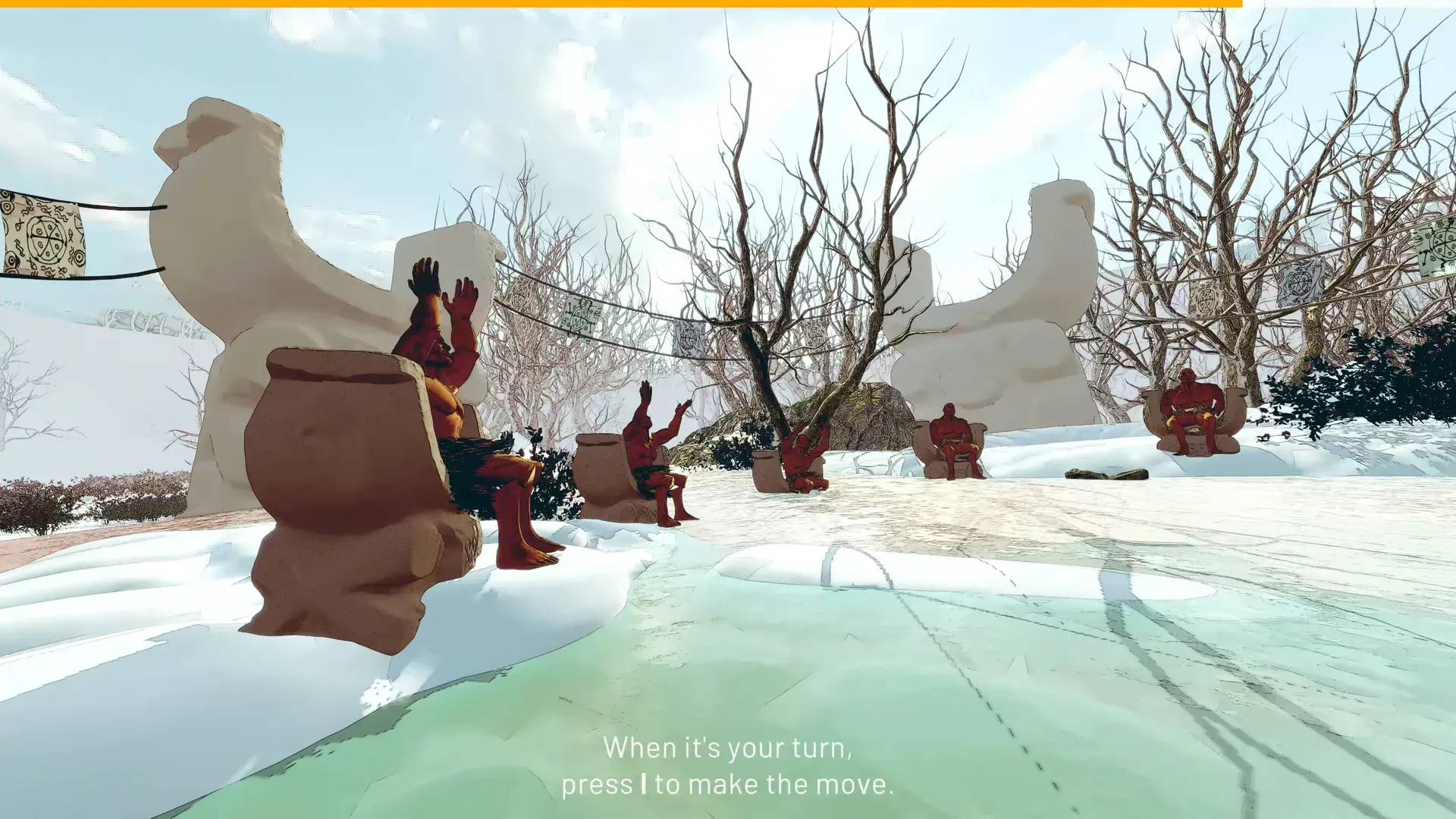
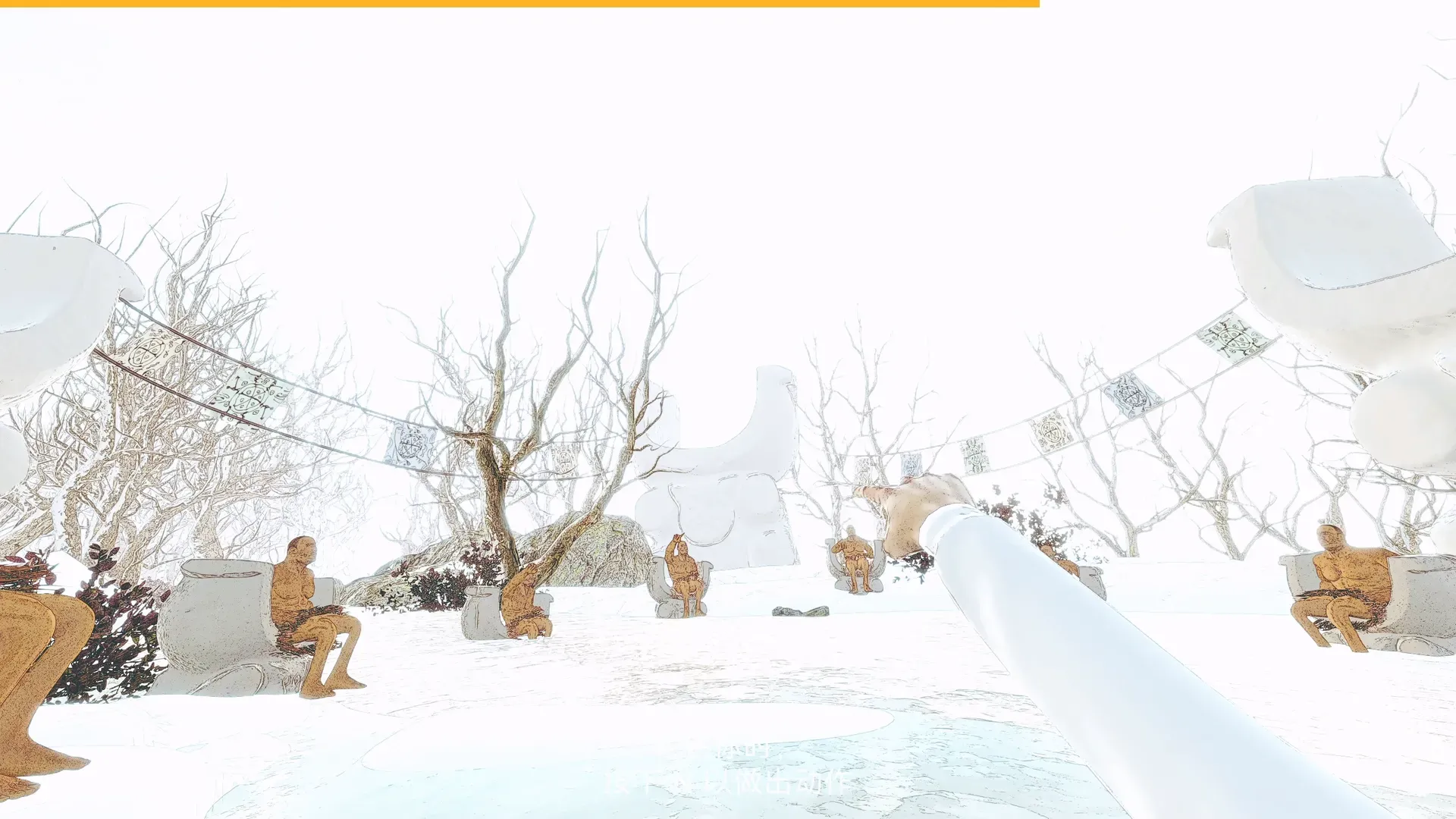
The primitive people sit in a circle on stone stools, taking turns making religious dances to celebrate the meteorite's arrival. The protagonist joins the circle and mimics their moves, and she must make the corresponding move when it's her turn, which is somewhat similar to a rhythm game.
The gameplay is straightforward with provided button hints, yet the player must pay attention to the primitive people's changing direction and sudden accelerations.
The meteorite struck the ground shortly after the celebration began, destroying the visions that the protagonist see.
The Press Conference
At the conference, the protagonist presents her findings to the audience. After she finishes her words, the audience starts to ask more in-depth questions. For example, "What caused the unusual erosion of Yilan Crater's southern rim?"
We provide several reply options for the player to choose from. However, even if the player gets it right, the audience will proceed to ask about the evidence supporting that viewpoint.
Then, the player will have to choose from the evidence she collected before in the previous three levels, and make the correct connection between evidence and viewpoint.
Chapter 4: Misc
Public Exposure
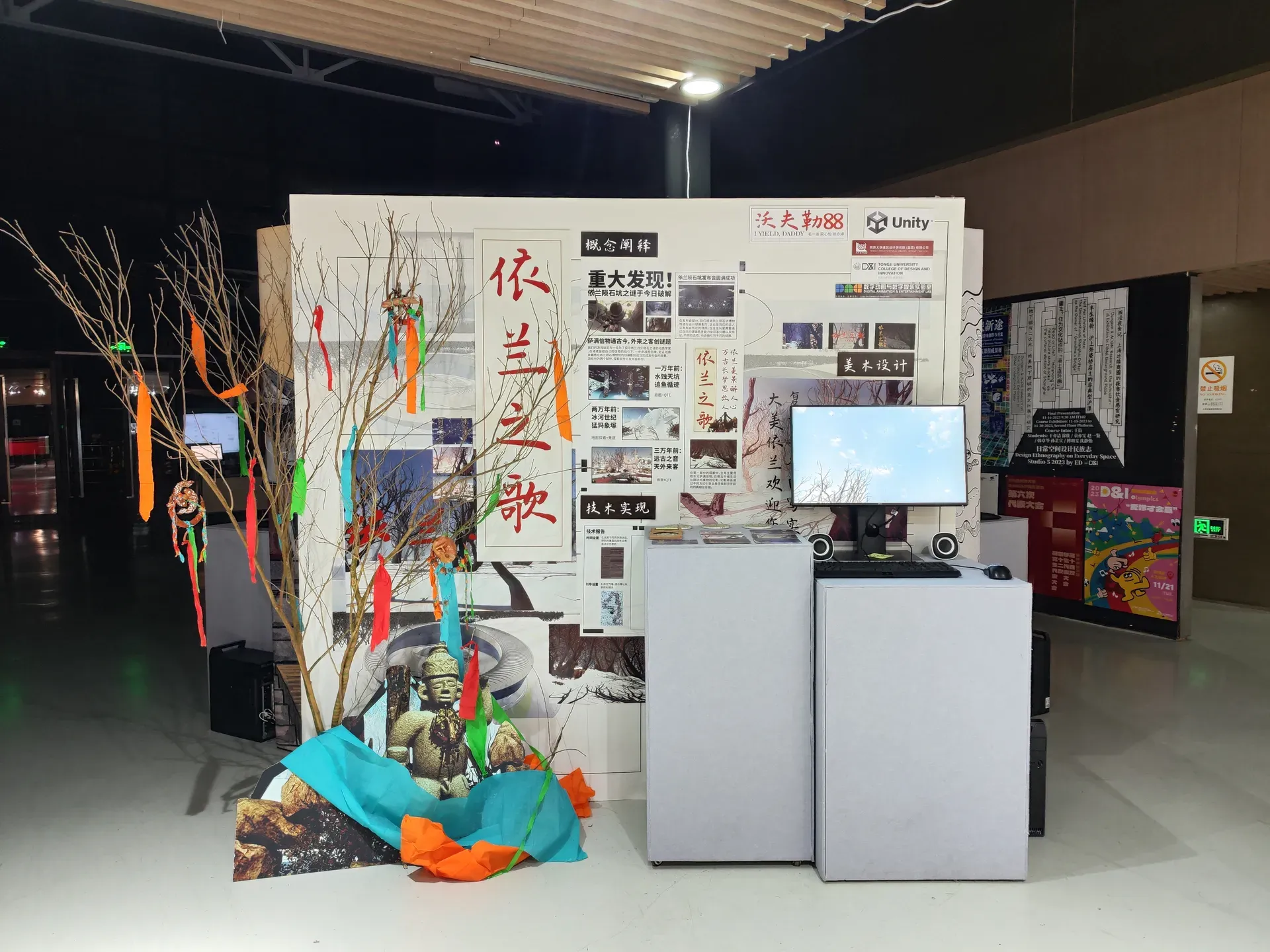
As mentioned earlier, the game was made in cooperation with Yilan government. After the game is developed for 3 months, it got into a public exhibition, where anyone can playtest it.
Later on, I got interviewed by Unity China, and they published a dedicated short video on their account introducing the game.
On Dec 21, 2023, we got to present our game at an official seminar held by Unity China, both to the offline audience and those watching the livestream.

Path Follow
In Level 1, fish phantoms guide us through the twisted forest path. I scripted their behavior to follow the given path and to turn at each turning point, eliminating the need for manual animation.
using UnityEngine;
using System.Collections;

public class PathFollow : MonoBehaviour
{
    public GameObject Fish;
    public GameObject[] PathPoints;
    public float BaseMoveSpeed = 8.5f;
    public float MoveSpeedSinAmplitude = 0.5f;
    public float TimeToTurn = 0.25f;
    private float _originalTimeToTurn;

    [SerializeField] private int _index;
    private int _length;
    private Vector3 _targetPos;
    private Quaternion _targetRot;
    private Vector3 _currentPos;
    private Quaternion _currentRot;

    [HideInInspector] public int IndexForReset;

    public void RespawnReset()
    {
        _index = IndexForReset;
        Fish.transform.position = PathPoints[_index].transform.position;
        TimeToTurn = 0f;
        Invoke(nameof(ResetTimeToTurn), _originalTimeToTurn);
        SetTarget();
    }

    private void ResetTimeToTurn()
    {
        TimeToTurn = _originalTimeToTurn;
    }

    private void Start()
    {
        _originalTimeToTurn = TimeToTurn;

        if (PathPoints.Length == 0)
        {
            PathPoints = new GameObject[transform.childCount];
            for (var i = 0; i < transform.childCount; i++) PathPoints[i] = transform.GetChild(i).gameObject;
        }

        _length = PathPoints.Length;
        SetTarget();

        if (Fish == null) Fish = gameObject;
    }

    private void Update()
    {
        var moveSpeed = BaseMoveSpeed + MoveSpeedSinAmplitude * Mathf.Sin(Time.time);
        var t = Fish.transform;
        _currentPos = t.position;
        t.position = Vector3.MoveTowards(_currentPos, _targetPos, moveSpeed * Time.deltaTime);

        var distance = Vector3.Distance(_currentPos, _targetPos);
        if (distance > 0.1f || _index == _length - 1) return;
        _index++;
        SetTarget();
    }

    private void SetTarget()
    {
        var fishTransform = Fish.transform;
        var pointTransform = PathPoints[_index].transform;

        _targetPos = pointTransform.position;
        var direction = pointTransform.position - fishTransform.position;
        _targetRot = Quaternion.LookRotation(direction);
        StartCoroutine(RotateTowardsTarget(fishTransform, _targetRot, TimeToTurn));
    }

    private static IEnumerator RotateTowardsTarget(Transform obj, Quaternion targetRotation, float timeToTurn)
    {
        var elapsedTime = 0f;
        var startRotation = obj.rotation;

        while (elapsedTime < timeToTurn)
        {
            obj.rotation = Quaternion.Slerp(startRotation, targetRotation, elapsedTime / timeToTurn);
            elapsedTime += Time.deltaTime;
            yield return null;
        }

        obj.rotation = targetRotation;
    }
}
Prefab Burst
At the end of level 1, hundreds of fish phantoms burst out. To avoid animator, I made a script that spawns and moves the fish prefabs. It enables easy adjustment of the fish quantity for testing the optimal balance between visual impact and performance hit.
using UnityEngine;
using System.Collections;

public class BurstFish : MonoBehaviour
{
    public Vector2 behavioralCh = new Vector2(2.0f, 6.0f);
    public bool debug;

    public GameObject FishPref;
    [Range(1, 9999)] public int FishNum = 10;
    [Range(0, 150)] public float Fishpeed = 1;
    [Range(0, 100)] public int fragmentedFish = 10;
    [Range(0, 1)] public float fragmentedFishYLimit = 1;
    [Range(0, 10)] public float soaring = 0.5f;
    [Range(0.01f, 500)] public float verticalWawe = 20;
    public bool rotationClamp = false;
    [Range(0, 360)] public float rotationClampValue = 50;
    public Vector2 scaleRandom = new Vector2(1.0f, 1.5f);

    Transform thisTransform;
    Transform[] FishTransform, fishTransform;
    Vector3[] rdTargetPos, fishPos, velfish;
    float[] FishSpeed, FishSpeedCur, spVelocity;
    int[] currentfish;
    float timeTime;
    static WaitForSeconds delay0;

    void Awake()
    {
        thisTransform = transform;
        CreateFish();
        StartCoroutine(BehavioralChange());
    }

    void LateUpdate()
    {
        FishMove();
    }

    void FishMove()
    {
        float deltaTime = Time.deltaTime;
        timeTime += deltaTime;
        Vector3 translateCur = Vector3.forward * Fishpeed * deltaTime;
        Vector3 verticalWaweCur = Vector3.up * ((verticalWawe * 0.5f) - Mathf.PingPong(timeTime * 0.5f, verticalWawe));
        float soaringCur = soaring * deltaTime;

        for (int b = 0; b < FishNum; b++)
        {
            if (FishSpeedCur[b] != FishSpeed[b]) FishSpeedCur[b] = Mathf.SmoothDamp(FishSpeedCur[b], FishSpeed[b], ref spVelocity[b], 0.5f);
            FishTransform[b].Translate(translateCur * FishSpeed[b]);
            Vector3 tpCh = fishTransform[currentfish[b]].position + rdTargetPos[b] + verticalWaweCur - FishTransform[b].position;
            Quaternion rotationCur = Quaternion.LookRotation(Vector3.RotateTowards(FishTransform[b].forward, tpCh, soaringCur, 0));
            if (rotationClamp == false) FishTransform[b].rotation = rotationCur;
            else FishTransform[b].localRotation = FishRotationClamp(rotationCur, rotationClampValue);
        }
    }

    IEnumerator BehavioralChange()
    {
        while (true)
        {
            yield return new WaitForSeconds(Random.Range(behavioralCh.x, behavioralCh.y));

            for (int b = 0; b < FishNum; b++)
            {
                FishSpeed[b] = Random.Range(3.0f, 7.0f);
                Vector3 lpv = Random.insideUnitSphere * fragmentedFish;
                rdTargetPos[b] = new Vector3(lpv.x, lpv.y * fragmentedFishYLimit, lpv.z);
                if (Random.value < migrationFrequency) currentfish[b] = Random.Range(0, fishNum);
            }
        }
    }

    void CreateFish()
    {
        FishTransform = new Transform[FishNum];
        FishSpeed = new float[FishNum];
        FishSpeedCur = new float[FishNum];
        rdTargetPos = new Vector3[FishNum];
        spVelocity = new float[FishNum];

        for (int b = 0; b < FishNum; b++)
        {
            FishTransform[b] = Instantiate(FishPref, thisTransform).transform;
            Vector3 lpv = Random.insideUnitSphere * fragmentedFish;
            FishTransform[b].localPosition = rdTargetPos[b] = new Vector3(lpv.x, lpv.y * fragmentedFishYLimit, lpv.z);
            FishTransform[b].localScale = Vector3.one * Random.Range(scaleRandom.x, scaleRandom.y);
            FishTransform[b].localRotation = Quaternion.Euler(0, Random.value * 360, 0);
            currentfish[b] = Random.Range(0, fishNum);
            FishSpeed[b] = Random.Range(3.0f, 7.0f);
        }
    }

    static Quaternion FishRotationClamp(Quaternion rotationCur, float rotationClampValue)
    {
        Vector3 angleClamp = rotationCur.eulerAngles;
        rotationCur.eulerAngles = new Vector3(Mathf.Clamp((angleClamp.x > 180) ? angleClamp.x - 360 : angleClamp.x, -rotationClampValue, rotationClampValue), angleClamp.y, 0);
        return rotationCur;
    }
}
Prefab Generator
This script generates mammoth phantoms in various slots at fixed intervals. It utilizes an enhanced random algorithm to prevent repetition. This ensures the rare occurrence of all mammoth phantoms appearing in the same slot.
using UnityEngine;
using System.Collections;
using System.Collections.Generic;
using Random = UnityEngine.Random;

public class PrefabSpawner : MonoBehaviour
{
    public float SpawnInterval = 0.25f;
    public GameObject Ghost;
    private readonly List<Prefabs> _spawnedGhosts = new();

    public float SpawnOffset = 10f;
    private bool _isSpawning;

    [Header("Slots needs to be Even")]
    public int NumSpawnSlots = 8;
    private float _slotInterval;
    private Vector3[] _spawnSlots;
    private int _lastSpawnIndex = -1;

    private void Awake()
    {
        // Calculate interval between slots
        _slotInterval = SpawnOffset / (NumSpawnSlots - 1);

        // Generate slot positions
        _spawnSlots = new Vector3[NumSpawnSlots];
        for (var i = 0; i < NumSpawnSlots; i++)
        {
            var posX = -SpawnOffset + i * _slotInterval;
            _spawnSlots[i] = new Vector3(posX, 0, 0);
        }
    }


    private void Spawn()
    {
        // Pick random spawn slot, excluding last used
        int index;
        do
        {
            index = Random.Range(0, NumSpawnSlots);
        } while (index == _lastSpawnIndex);

        //Store last used index
        _lastSpawnIndex = index;

        var spawnPos = transform.position + _spawnSlots[index];
        var ghost = Instantiate(Ghost, spawnPos, transform.rotation).GetComponent<L2Ghost>();
        _spawnedGhosts.RemoveAll(x => x == null);
        _spawnedGhosts.Add(ghost);
    }

    private IEnumerator SpawnRoutine()
    {
        while (_isSpawning)
        {
            Spawn();
            yield return new WaitForSeconds(SpawnInterval);
        }
    }

    private void OnEnable()
    {
        _isSpawning = true;
        StartCoroutine(SpawnRoutine());
    }

    private void OnDisable()
    {
        _spawnedGhosts.RemoveAll(x => x == null);

        foreach (var ghost in _spawnedGhosts)
            ghost.Disappear();

        _spawnedGhosts.Clear();
        _isSpawning = false;
    }
}